

How these presets work
Each preset is a sequence of touches. Every touch is a mailer, then an AI text once the mailer is delivered, then an email the next day. The next mailer goes out 10 days after the previous one is delivered. Under Select Intensity, Proactive runs five touches, Moderate runs three, and Low runs one. The steps are named Mailer 1, MSG 1 and Email 1, then Mailer 2, and so on. Open each Mailer step to set up its design, and save each Email step. Each Mailer starts with a brief that has details in square brackets, like the offer and the book-by date. Replace them with your own before you generate a design. The preset doesn’t pick who gets it. You choose the audience when you create the campaign, with Avoca Filters, XLSX Import, or Previous Audience.Cross-sell promo
This preset offers a complementary service to customers who just finished a major install. Under Select Service Category, choose the trade you’re offering: Heating, Cooling, Plumbing, Electrical or Water Heater.
Front
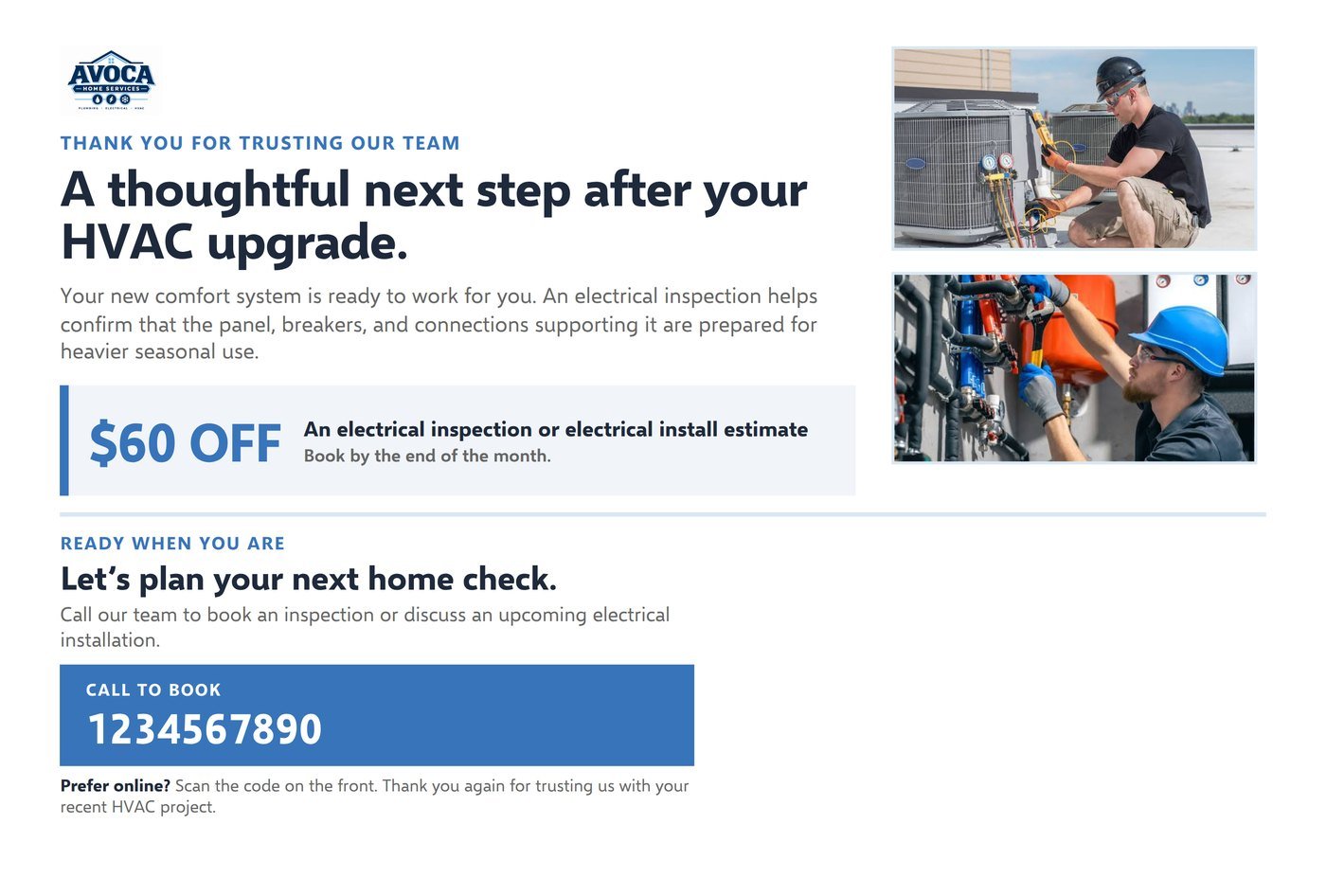
Back
Maintenance promo
This preset promotes a maintenance visit. Under Select Service Category, choose Heating, Cooling, Water Heater, Septic or Sewer. The mailers, texts and emails are written for that service.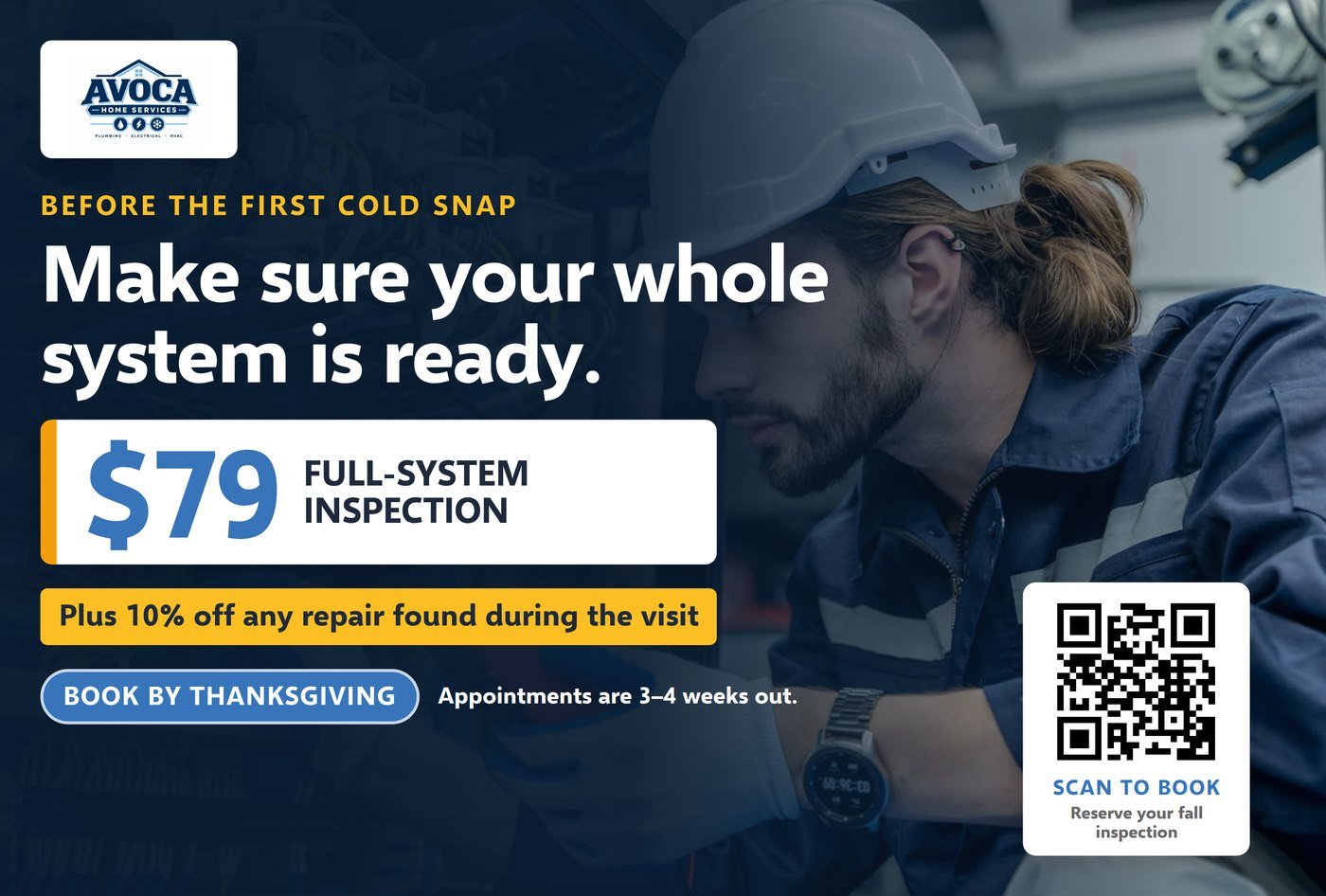
Front
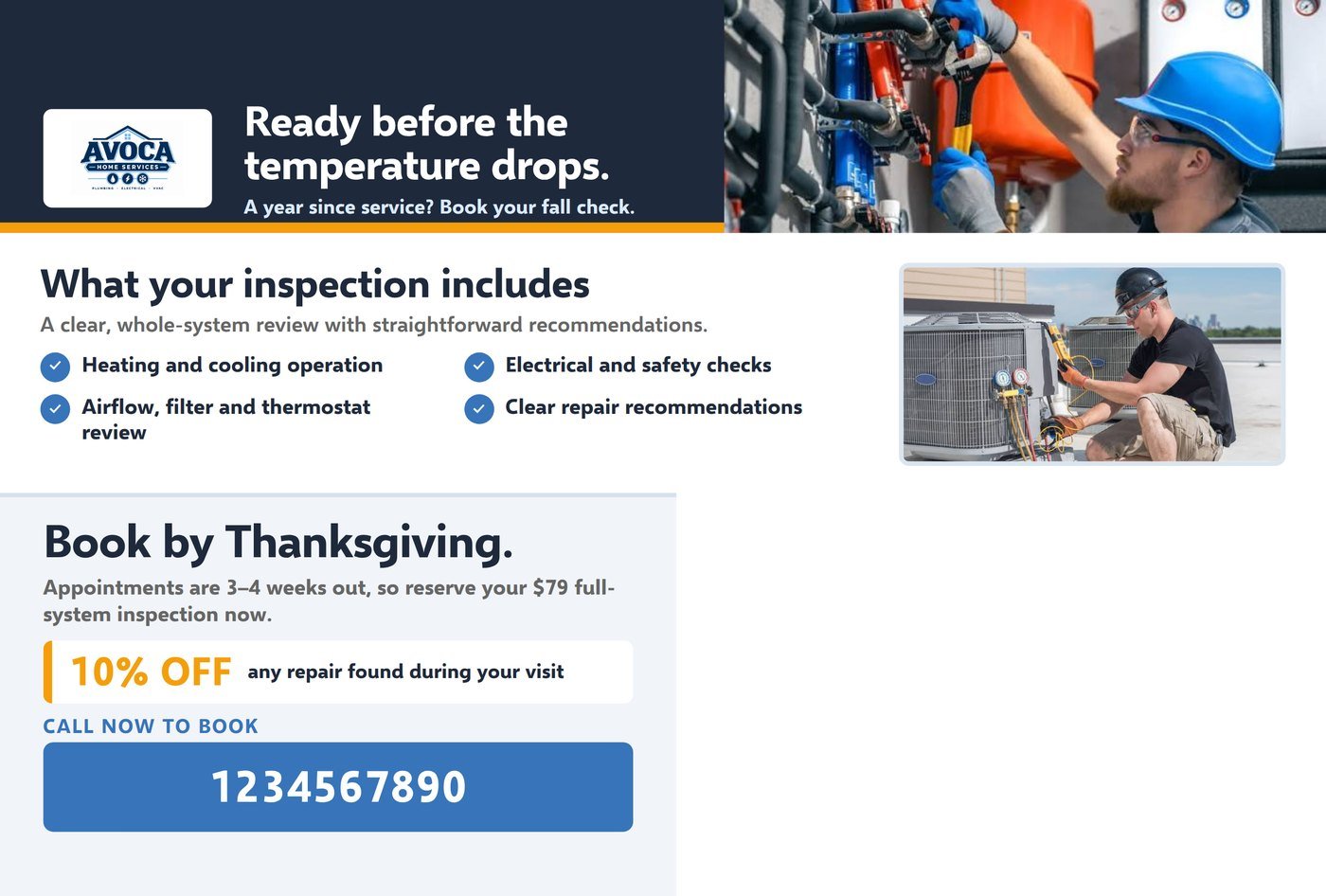
Back
Expiring membership renewal
This preset is written to get members who are expiring in 30 to 45 days to book their included visit and renew. It doesn’t ask for a service category.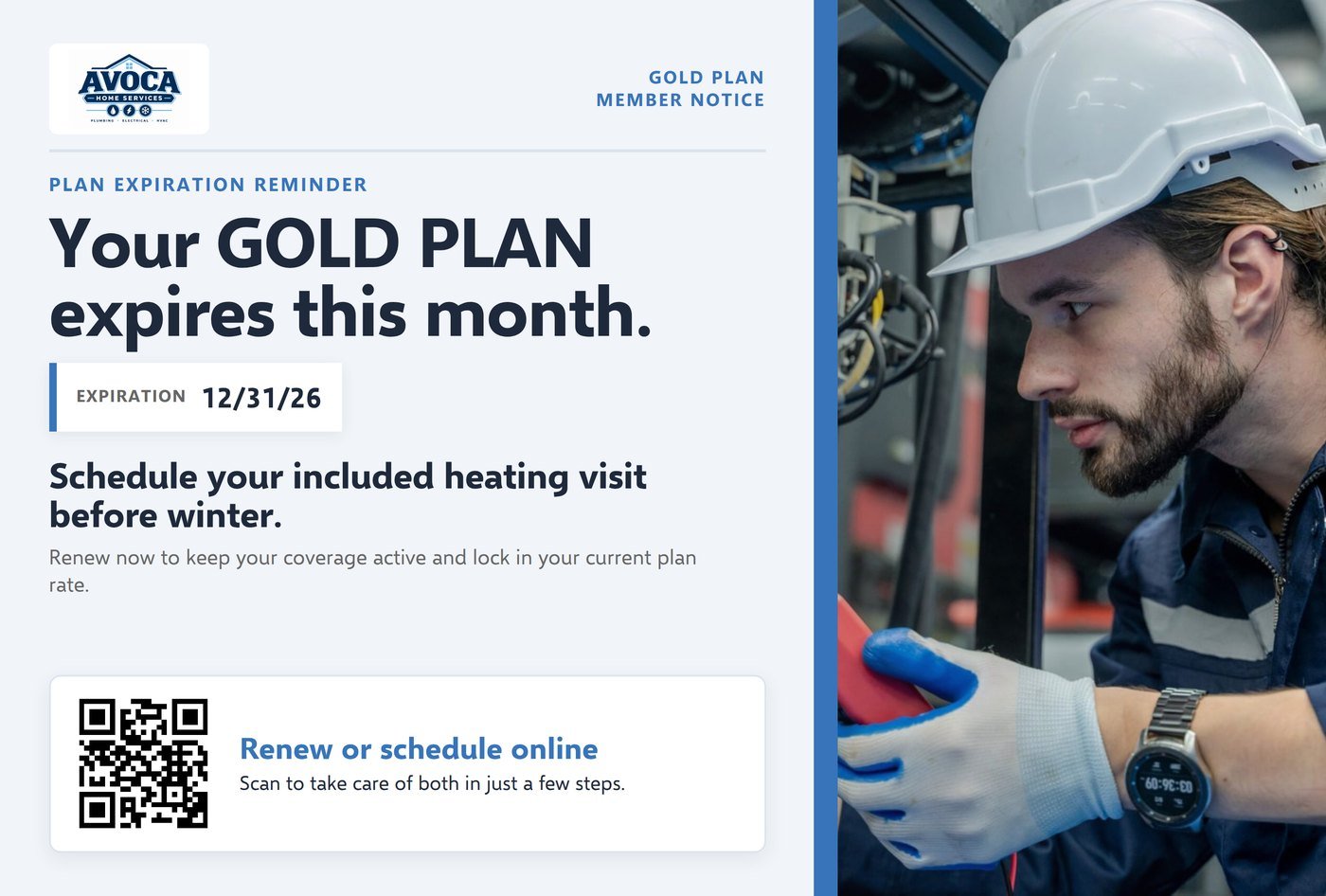
Front
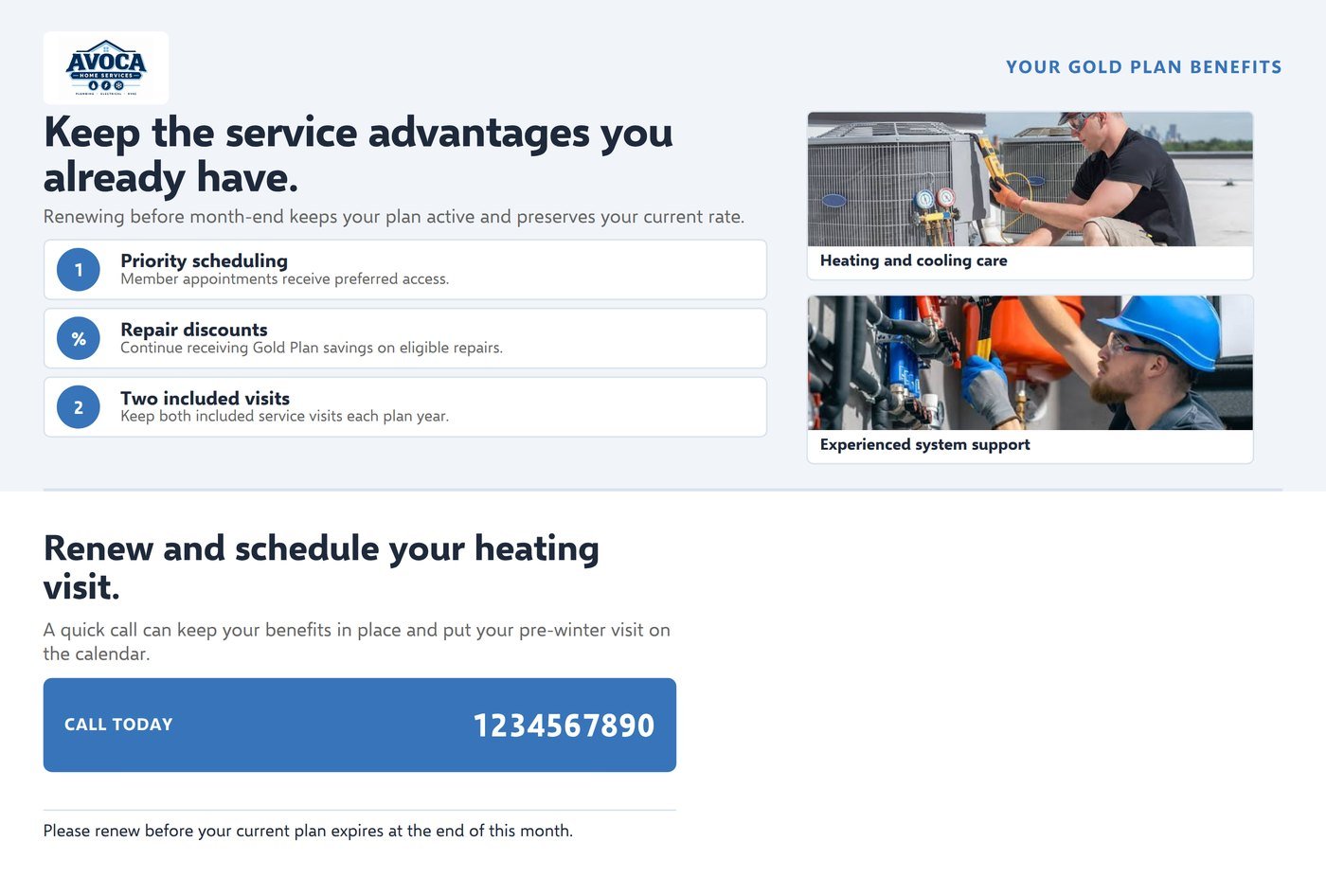
Back
Win-back
This preset is written to win back customers with no service in 18 to 24 months. It doesn’t ask for a service category.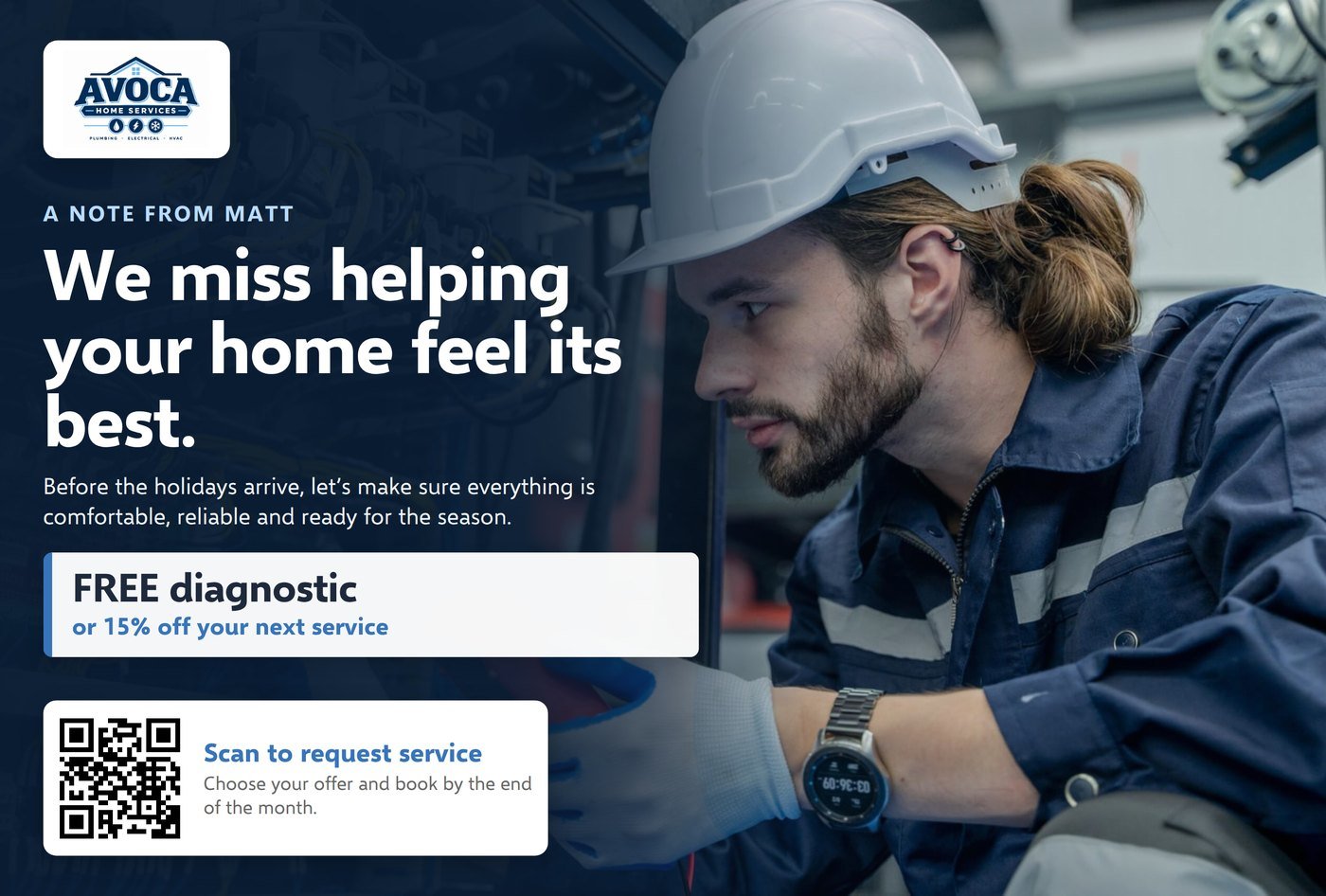
Front
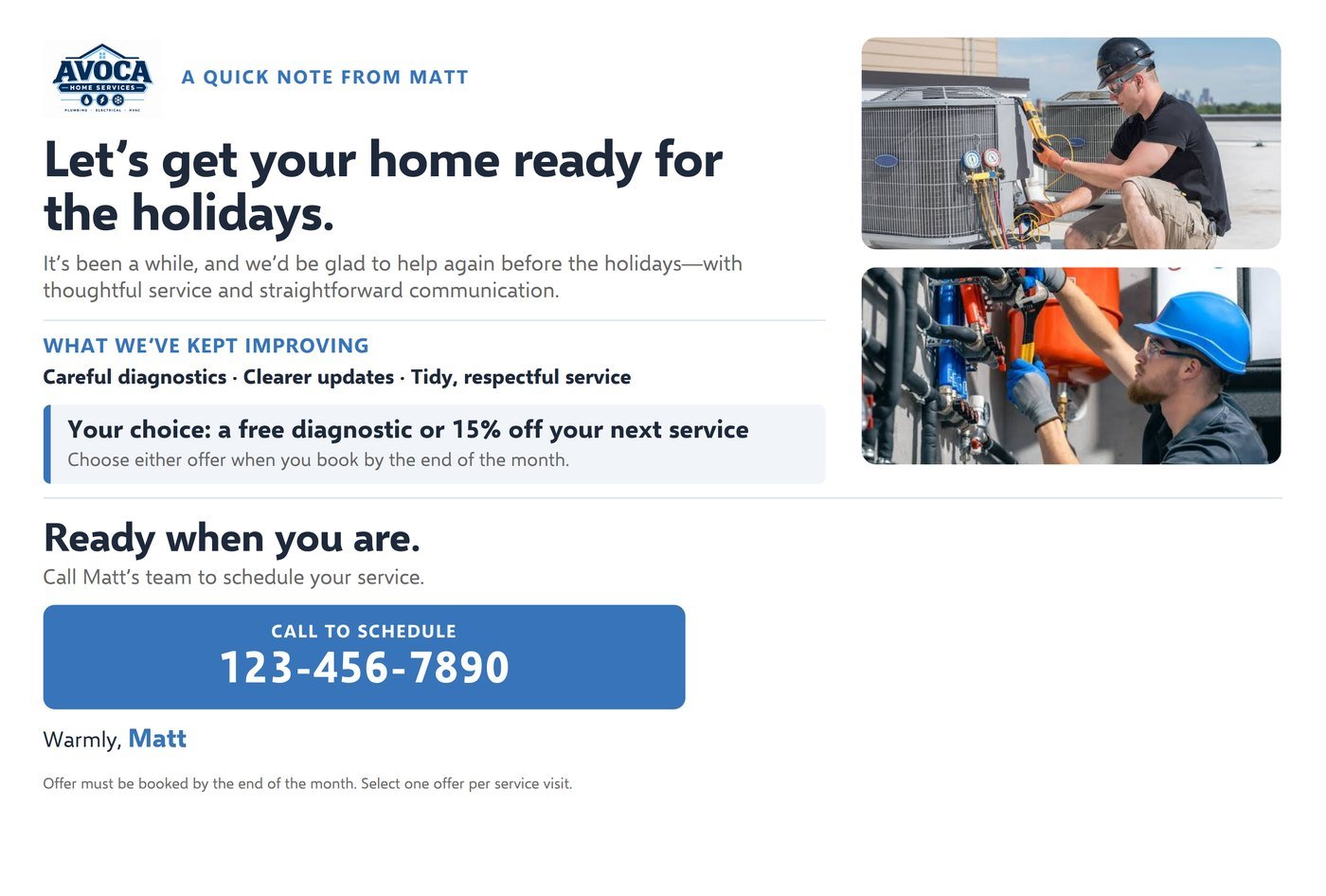
Back
One-time customer to membership
This preset is written to turn customers into members 7 to 14 days after a one-time repair. It doesn’t ask for a service category.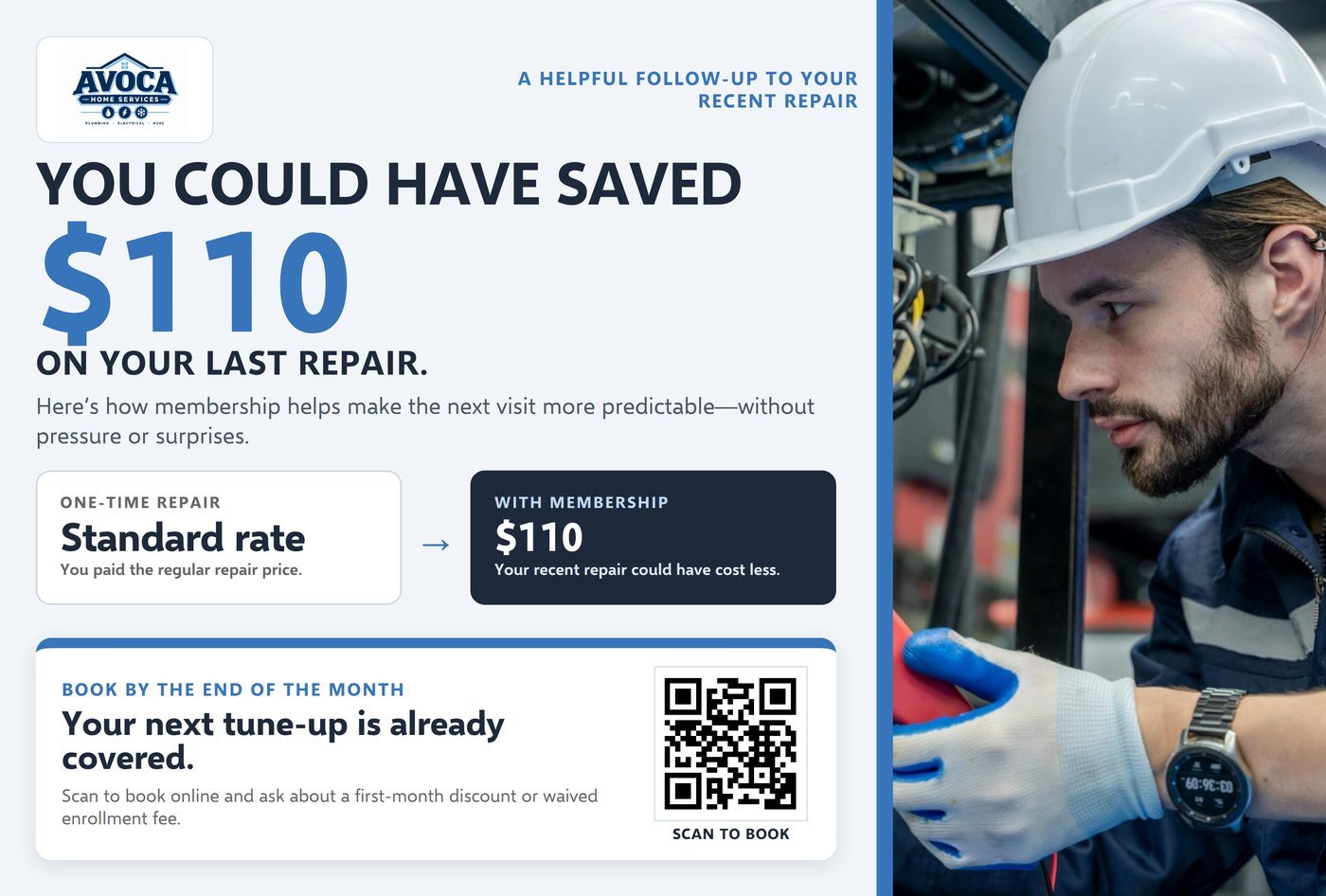
Front
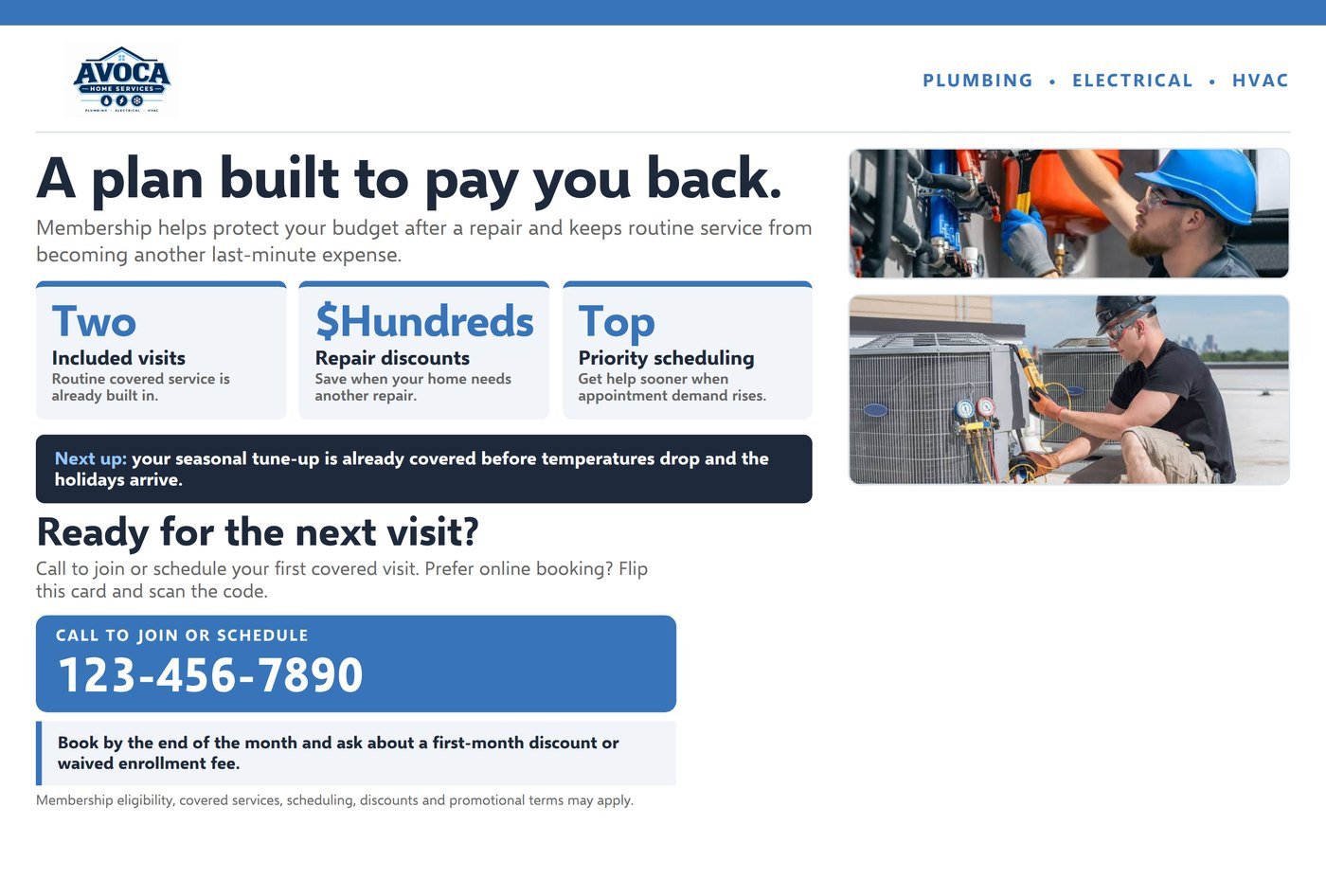
Back
Emergency readiness
This preset is written to book a preventive check 2 to 4 weeks ahead of a seasonal risk. Under Select Service Category, choose Plumbing or Electrical.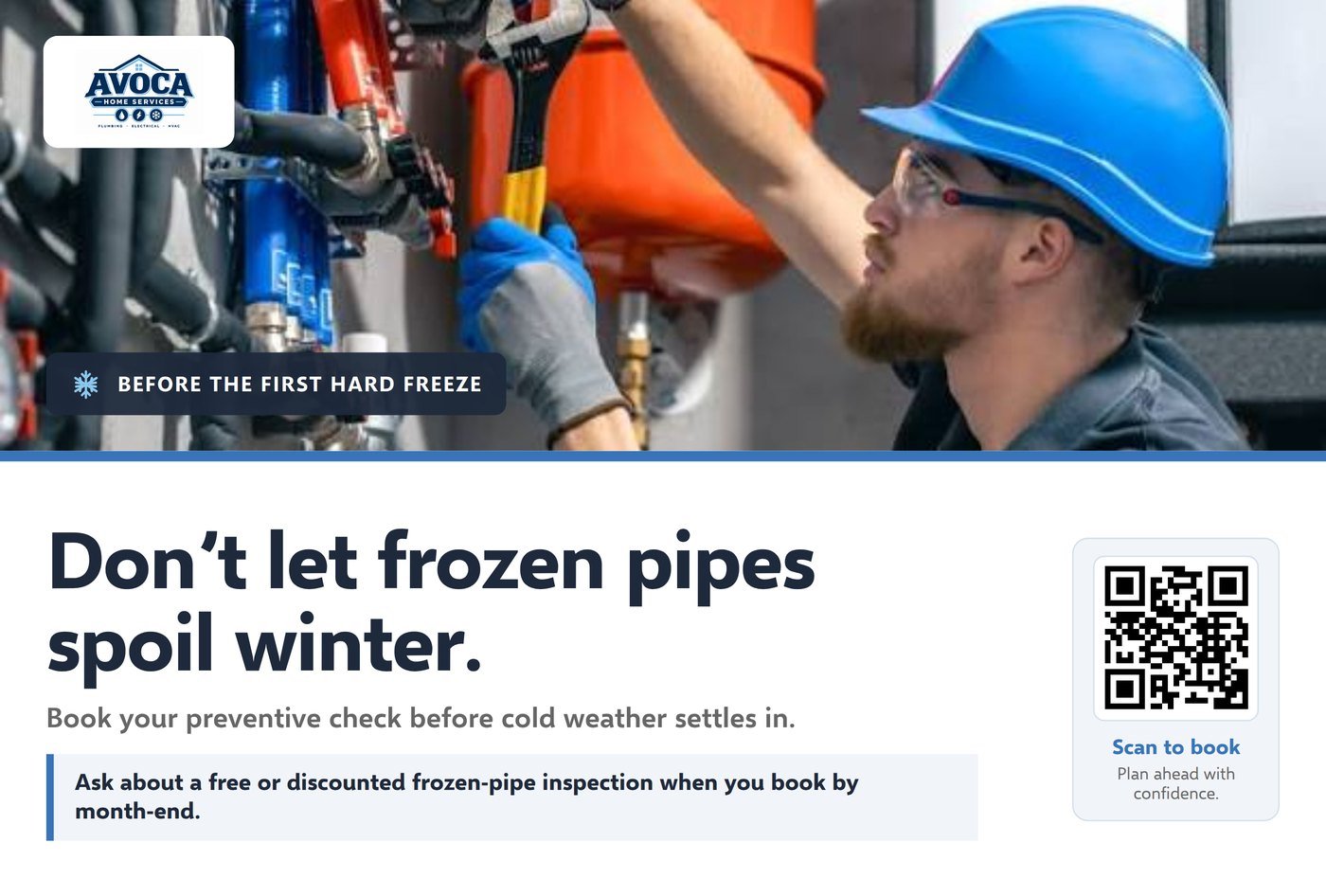
Front
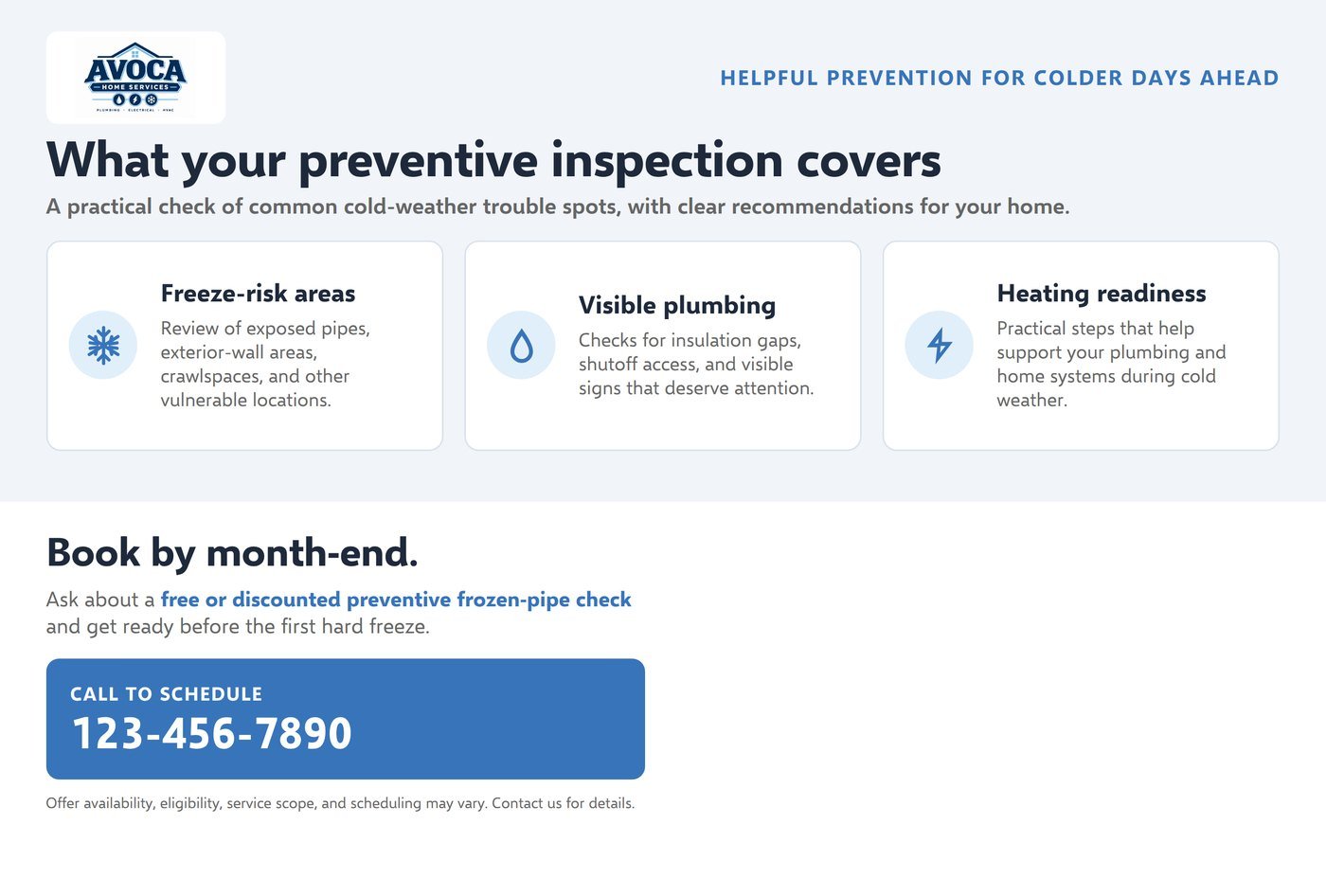
Back
Unsold estimates
This preset follows up on an open estimate. Under Select Service Category, choose Heating, Cooling, Water Heater, Septic or Sewer.Thank you offers
This preset sends a thank-you offer to existing customers. Under Select Service Category, choose Heating, Cooling, Water Heater, Septic or Sewer.More options
I don't see Existing Customers (Direct Mail)
I don't see Existing Customers (Direct Mail)
This type is turned on separately from the rest of direct mail. Ask your Avoca team to turn it on. You can still mail your customers by adding a Direct Mail step to another outbound workflow. See Create a direct mail campaign.