

Agent Performance appears only when it is enabled for your team. A role with “view own performance” access is taken directly to the linked agent’s page and cannot browse the team roster.
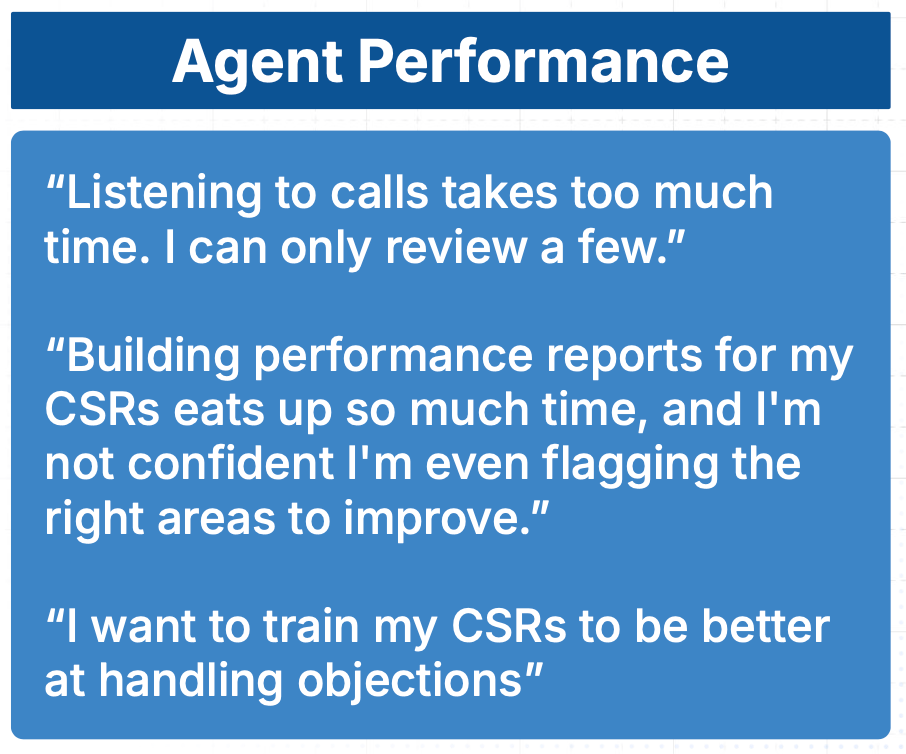
Coach turns call transcripts into consistent, reviewable agent-performance evidence.
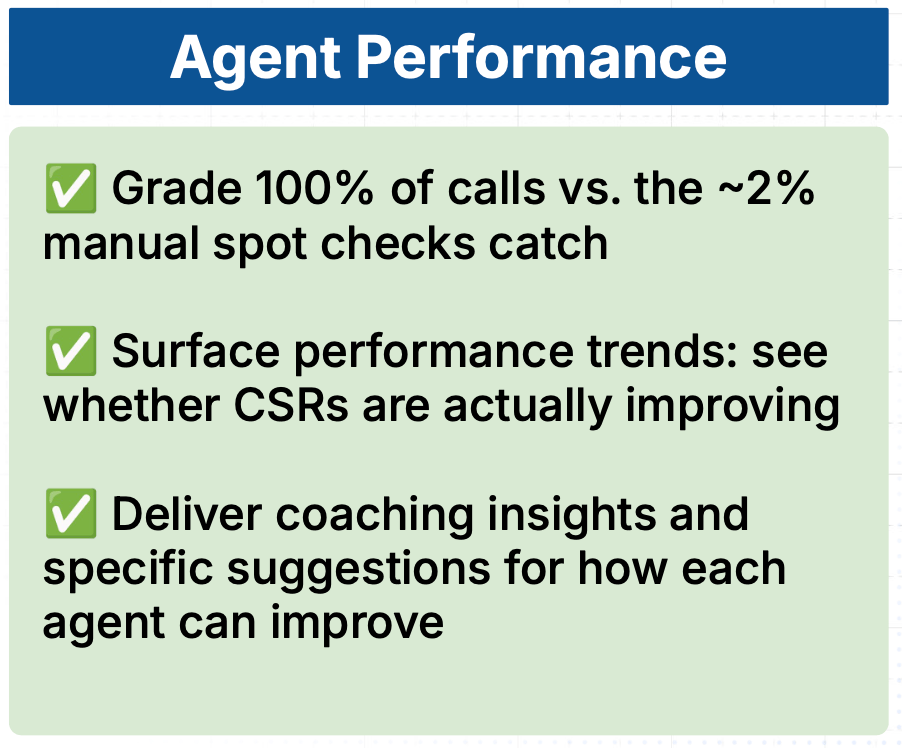
Managers can move from an aggregate metric to the calls and coaching behavior behind it.
Review the team overview
The Performance Overview starts with configurable metric cards. The standard metrics are:- Total Calls
- Booked Calls
- Booking Rate
- Average Score
- Missed Opportunities: leads that were not booked
- Positive Sentiment: the positive share of calls with a sentiment classification
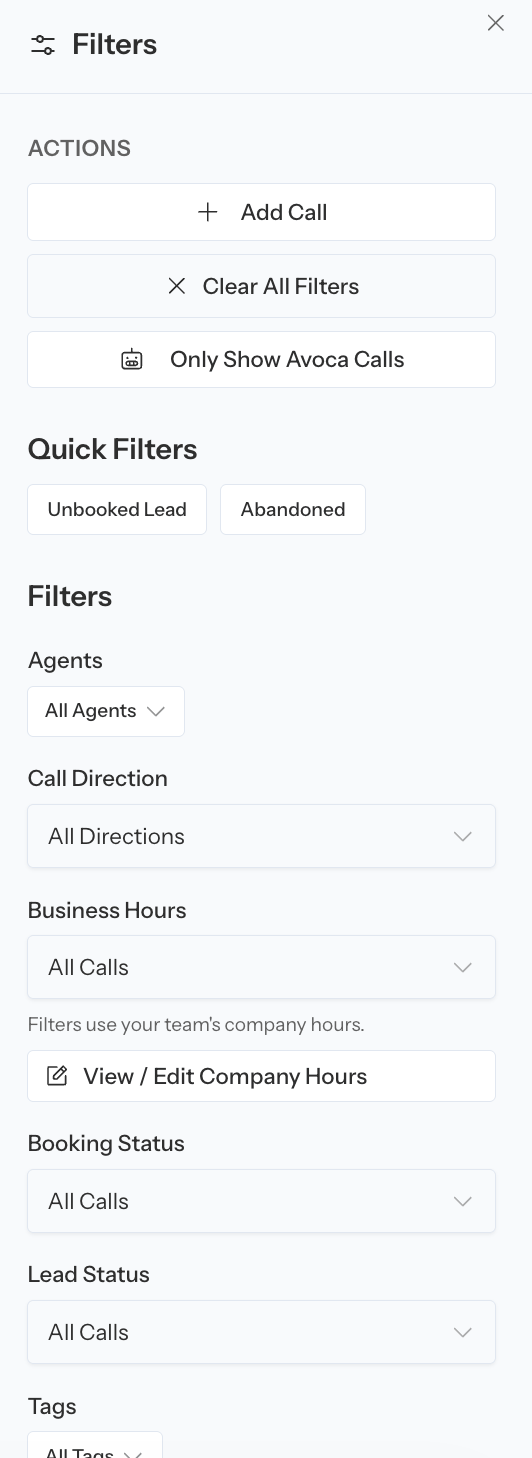
The team overview summarizes the selected agent population and reporting period.
Open an inline trend
Select a metric card to open its trend chart. The chart uses the current filters and compares the selected range with the previous period. Select View all performance metrics to open the full Performance Metrics page. The full page plots the supported metrics over the selected range and can be exported as a PDF report.Filter the population
Agent Performance filters can include:- Inbound and outbound direction
- Agent group
- Specific agents
- Booked or unbooked calls
- Leads or non-leads
- Days of the week to exclude
- One or more rubrics
Use agent groups
Agent groups can appear in one of two ways:- As a filter that narrows the overview and roster to one group
- As expandable group rows that aggregate the members’ performance
Find agents who need review
Coach can flag an agent as Needs review when their booking rate or average score falls into the red band configured for the team. Flagged agents are brought to the top of the flat roster, and the review banner can narrow the list to those agents. The threshold is a prioritization aid, not a performance verdict. Before coaching:- Check the number and type of calls in the range.
- Compare the agent with an appropriate group.
- Review the agent’s missed opportunities and coaching insights.
- Listen to representative calls.
Configure and read the roster
Search agents by name, choose a sort metric, and use Columns to show, hide, or reorder the table. Available columns can include:- Total Calls
- Leads
- Booked Calls
- Unbooked Calls
- Booking Rate
- ST Booking Rate
- Average Score
- Average Handling Time
- Upsell Calls
- Rubric-category scores
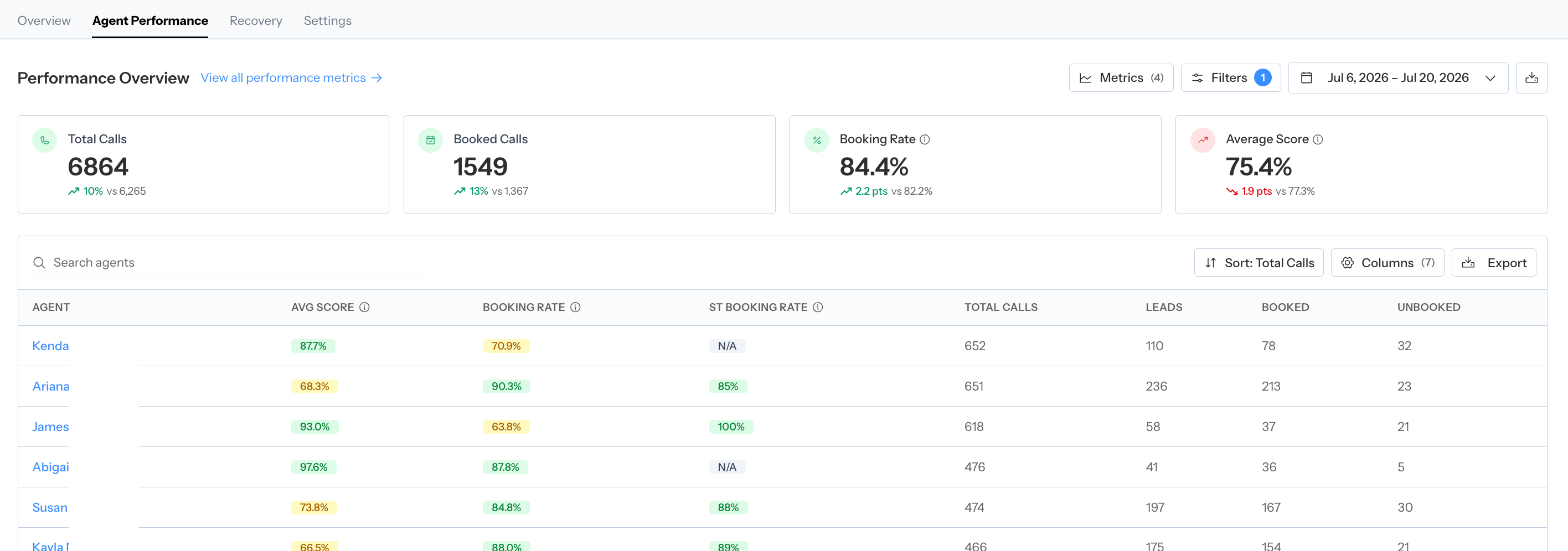
Search, sort, filter, and configure columns in the agent roster before comparing people.
Open an agent
Select an agent’s name to open their detail page. The page carries the relevant date range, direction, booking, lead, excluded-day, and rubric context from the roster. An agent detail page contains:- The agent’s configurable performance cards
- Inline trends and a full Performance Metrics report
- Coaching Insights
- The agent’s filtered calls table
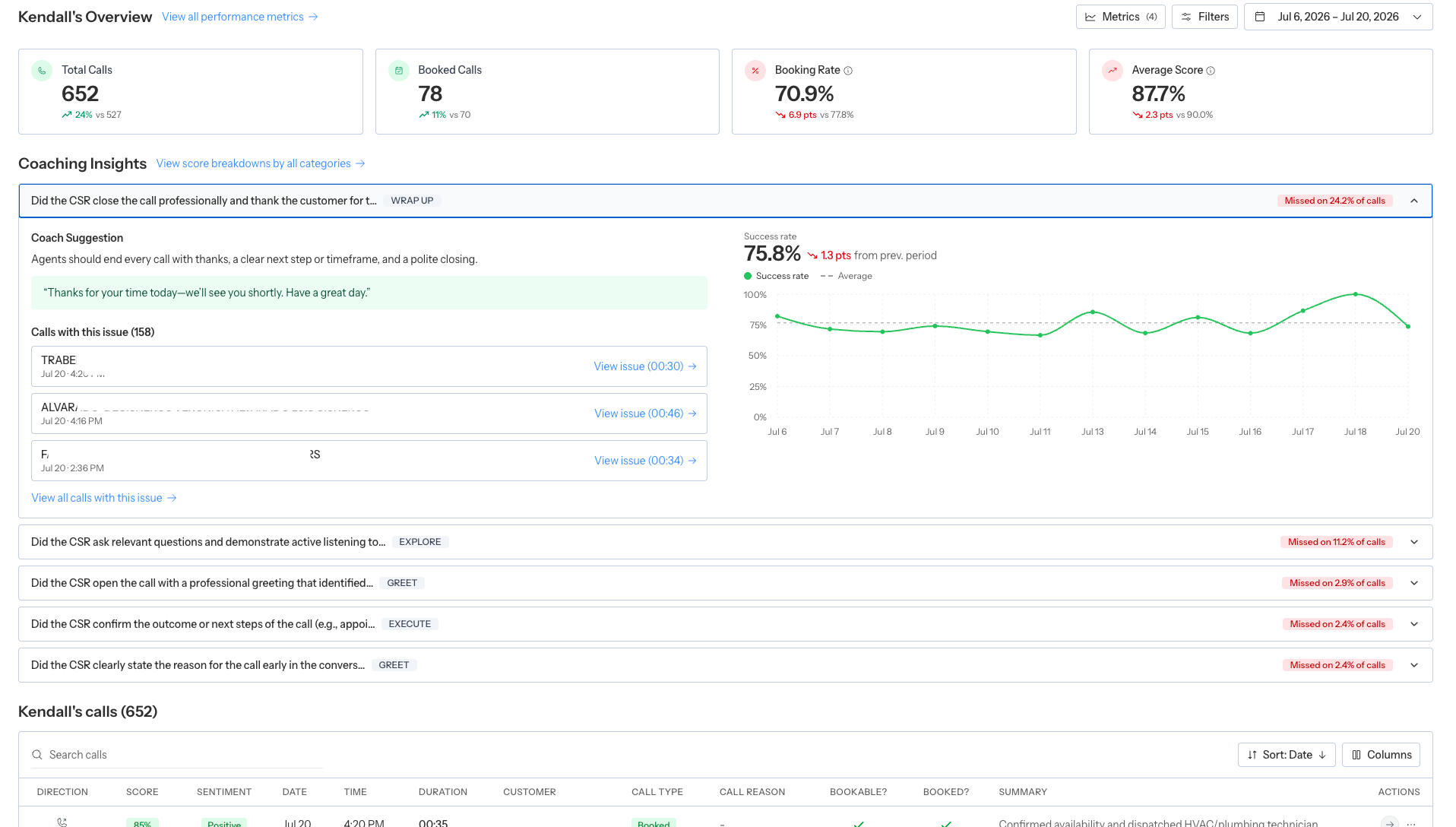
The individual scorecard combines performance metrics, coaching insights, and the agent's calls.
Coaching Insights
Coach shows up to five of the agent’s most frequently failed rubric items. Each row displays how often the item was missed. Expand an item to see:- The Coach Suggestion
- A suggested script when one is available
- Recent calls with the issue
- A clickable issue timestamp
- The item’s success-rate trend
- The change from the prior period
Coaching Insights connects a repeated failed behavior with guidance and the calls that triggered it.
Full Rubric Performance
Select View score breakdowns by all categories to open the agent’s full Rubric Performance page. The page:- Groups criteria by rubric category
- Shows success rate for each criterion
- Compares it with the prior period
- Supports the current direction and rubric filters
- Can be exported as a PDF report
Agent calls
The calls table supports search, configurable columns, pagination, and direct review. Open a call to:- Listen to the recording
- Review the transcript and evaluation
- Inspect classification history and customer history
- Correct supported rubric answers or call details
Interpret agent metrics fairly
- Compare similar call directions, lead populations, and rubric scopes.
- Use a meaningful call sample; a small denominator can create extreme rates.
- Separate booking opportunity from booking outcome.
- Account for calls attributed to Unassigned when CSR mapping is incomplete.
- Treat sentiment as a supporting signal, not a substitute for the call evidence.
- Use the same date window before and after a coaching intervention.
- Review rubric criteria, not only the overall score.
Give agents access to self-review
Agents can review their own scorecard without seeing the full team roster. An administrator should:- Invite the person with the Agent role or grant View Own Coach Performance.
- Map the dashboard member to the correct ServiceTitan agent.
- Ask the agent to open Products → Coach and confirm the scorecard identity.
Recommended coaching workflow
- Filter to the relevant team, group, direction, and rubric.
- Review agents marked Needs review.
- Open one agent and expand their top Coaching Insights.
- Listen to multiple calls for the same issue.
- Share the specific expected behavior and evidence with the agent.
- Revisit the same metric and rubric item after new calls have accumulated.