

Why reclassification matters
Manual disposition is inconsistent at scale. A genuine lead can be marked excused, similar conversations can receive different reasons, and a recoverable opportunity can disappear from the team’s workflow. Coach evaluates the transcript with one set of criteria, making the disagreement visible before the team decides whether to correct it automatically.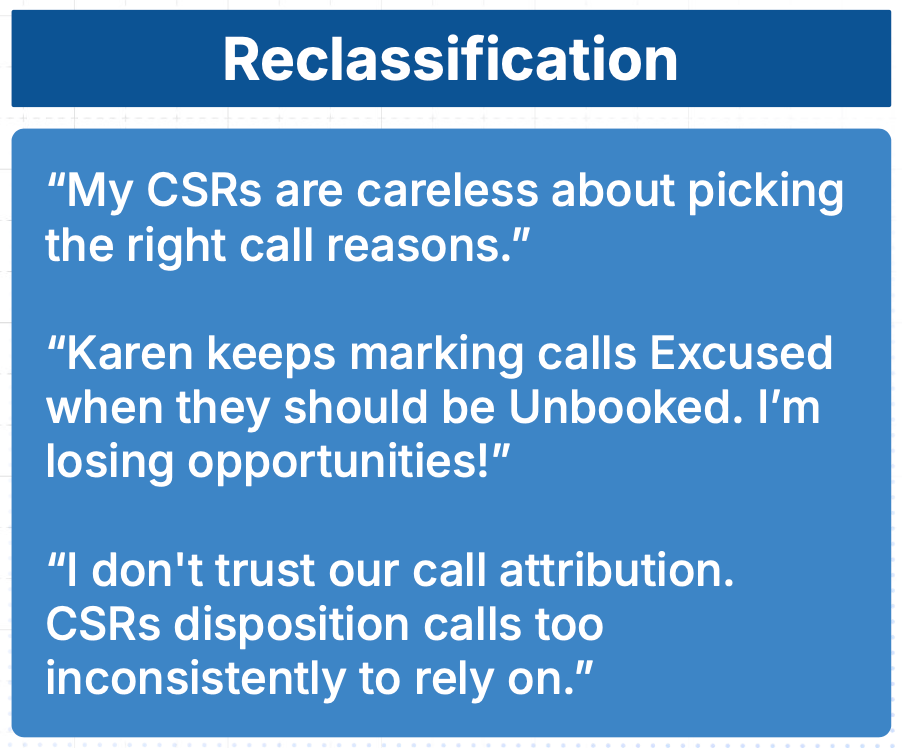
Reclassification identifies calls whose current disposition does not match the conversation.
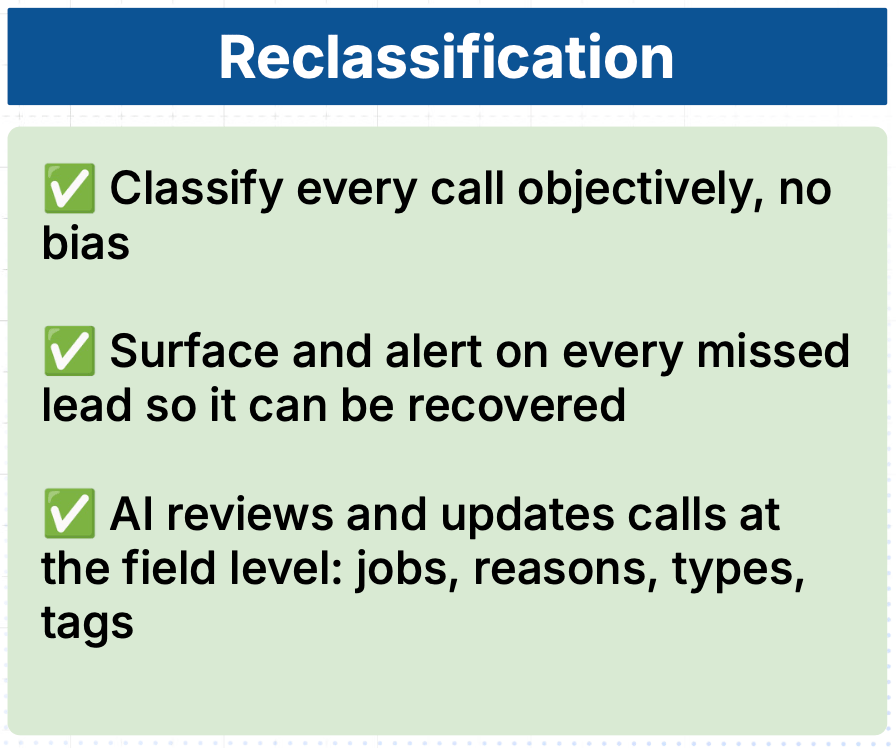
Accurate classifications make booking reporting and missed-opportunity review more trustworthy.
Understand the classifications
Choose how Coach handles each source type
Open Coach → Settings → Call Reclassification. For each supported original disposition, choose:Roll out reclassification safely
1. Review suggestions
- Open Coach → Overview.
- Set a representative date range.
- Filter for misclassified, unreviewed, qualified-unbooked, or empty-reason calls when those filters are available.
- Open calls from different agents, directions, and source dispositions.
- Compare the recording and transcript with the current and suggested call type, reason, tags, and CSR.
- Apply accurate suggestions manually.
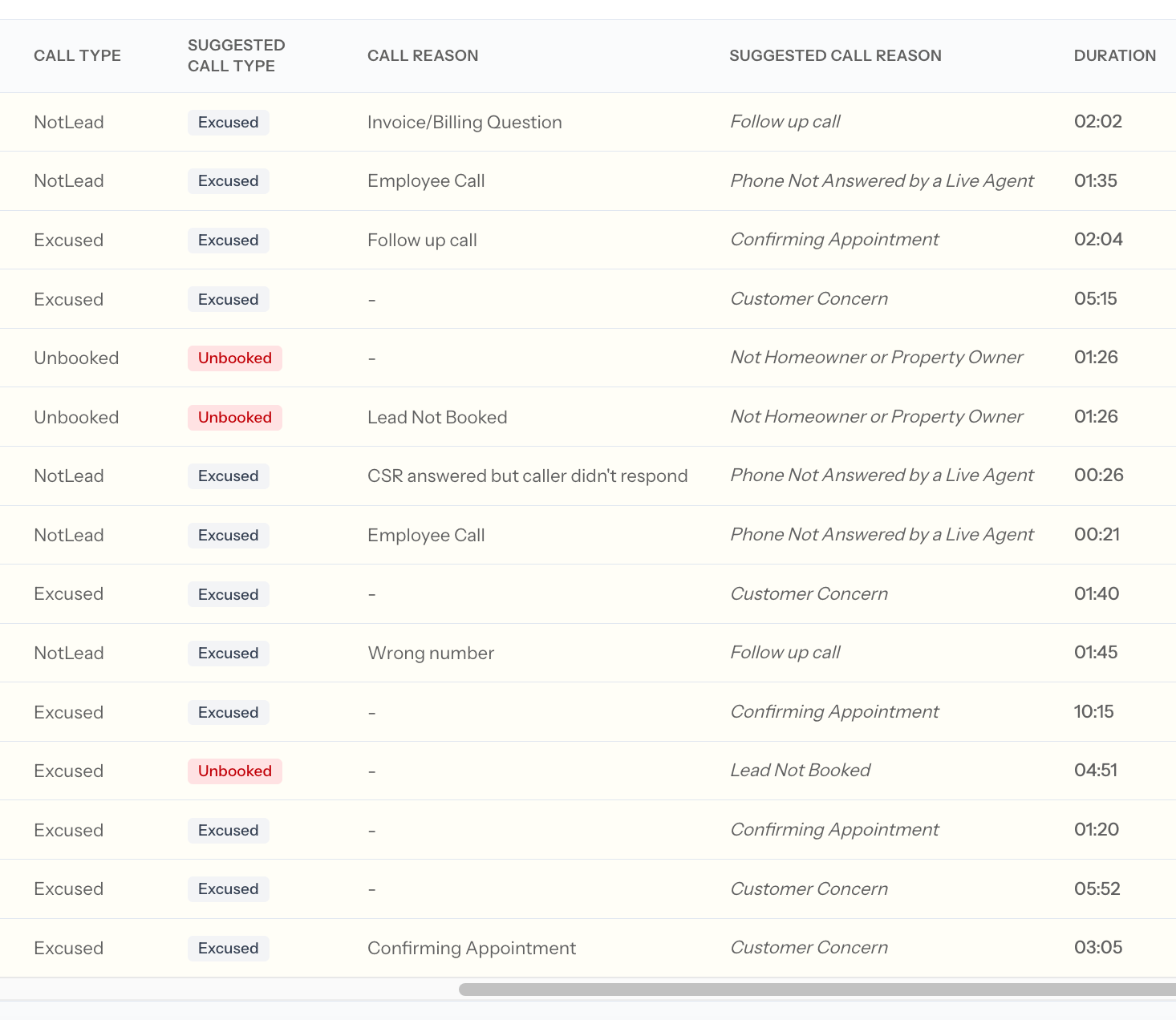
Filter for disagreement states and review a representative set before changing automation.
2. Correct the underlying guidance
If suggestions repeatedly miss:- Refine inbound and outbound Bookable criteria
- Refine inbound and outbound Booked criteria
- Add clear, distinct Call Reason descriptions
- Clarify tag-group conditions and tag descriptions
- Configure a fallback CSR for voicemail and no-speaker calls
3. Prepare call reasons
Open Coach → Settings → Call Reasons.- Pull unsynced reasons from ServiceTitan when applicable.
- Add a precise description to every active reason.
- Confirm whether each reason is bookable.
- Deactivate obsolete or overlapping reasons.
- Save the list.
4. Enable automatic changes narrowly
Move one source disposition from Suggest changes to Change automatically only after its suggestions are consistently accurate. Then:- Monitor new calls for that source.
- Review misclassified and low-confidence cases.
- Confirm supported updates in ServiceTitan.
- Expand to another source only after the first one remains reliable.
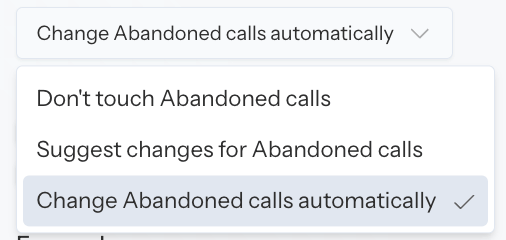
Enable automatic behavior one source type at a time after validating suggestions.
Correct one call manually
Open a call from Overview, Agent Performance, Rubric Performance, or another Coach call list.- Review the recording, transcript, summary, current disposition, and Coach suggestions.
- Select Edit call details when your permissions allow it.
- Update only the fields supported for that call and source.
- Save the smallest correction necessary.
- Open Activity to confirm the initial and updated values.
- If ServiceTitan sync is expected, verify the ServiceTitan record.
Manage CSR attribution
When enabled, Coach can infer the CSR from the transcript. Choose whether Coach should:- Show the inferred CSR as a suggestion
- Fill the CSR only when the call is unassigned
- Correct an existing CSR when Coach identifies a different speaker
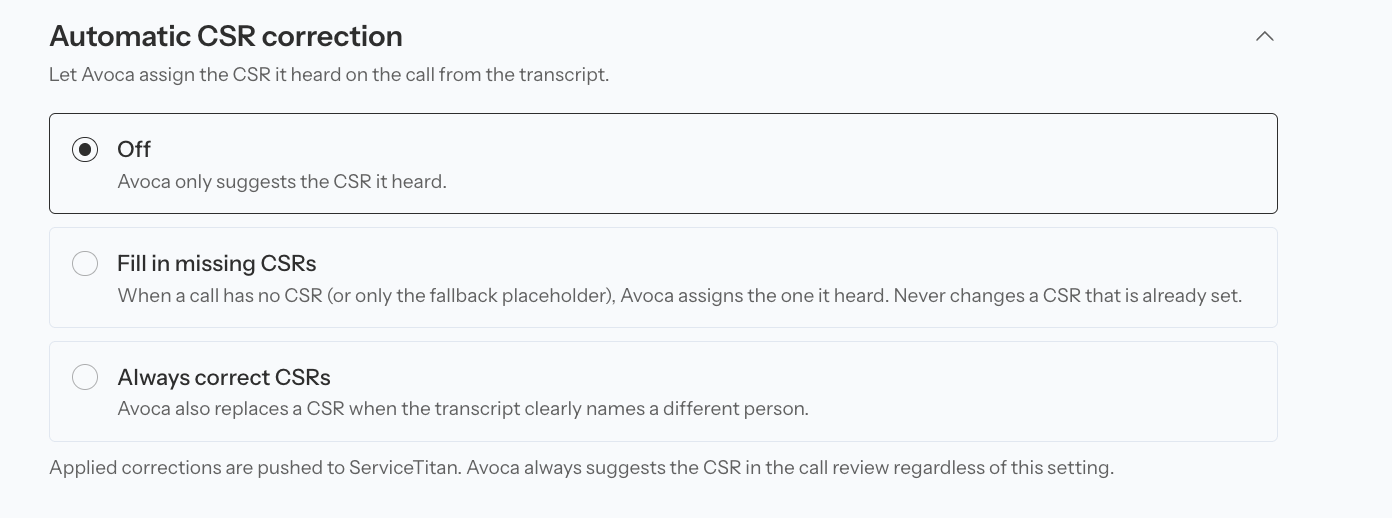
CSR reclassification can remain suggest-only, fill missing agents, or correct mismatches.
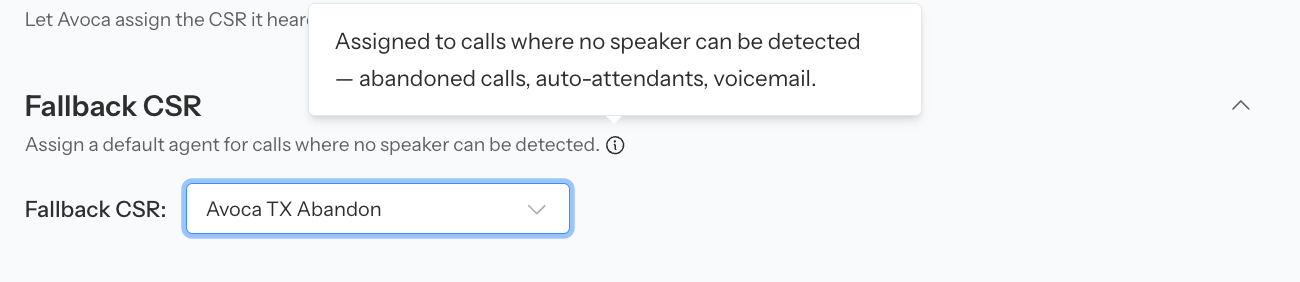
A fallback CSR keeps voicemail and no-speaker calls out of a real agent's scorecard.
Apply tags safely
Under Coach → Settings → Tags, define:- When the group applies
- Inbound, outbound, or both
- How many tags Coach can or must select
- A distinct description for every tag
- The ServiceTitan tag mapping, when applicable
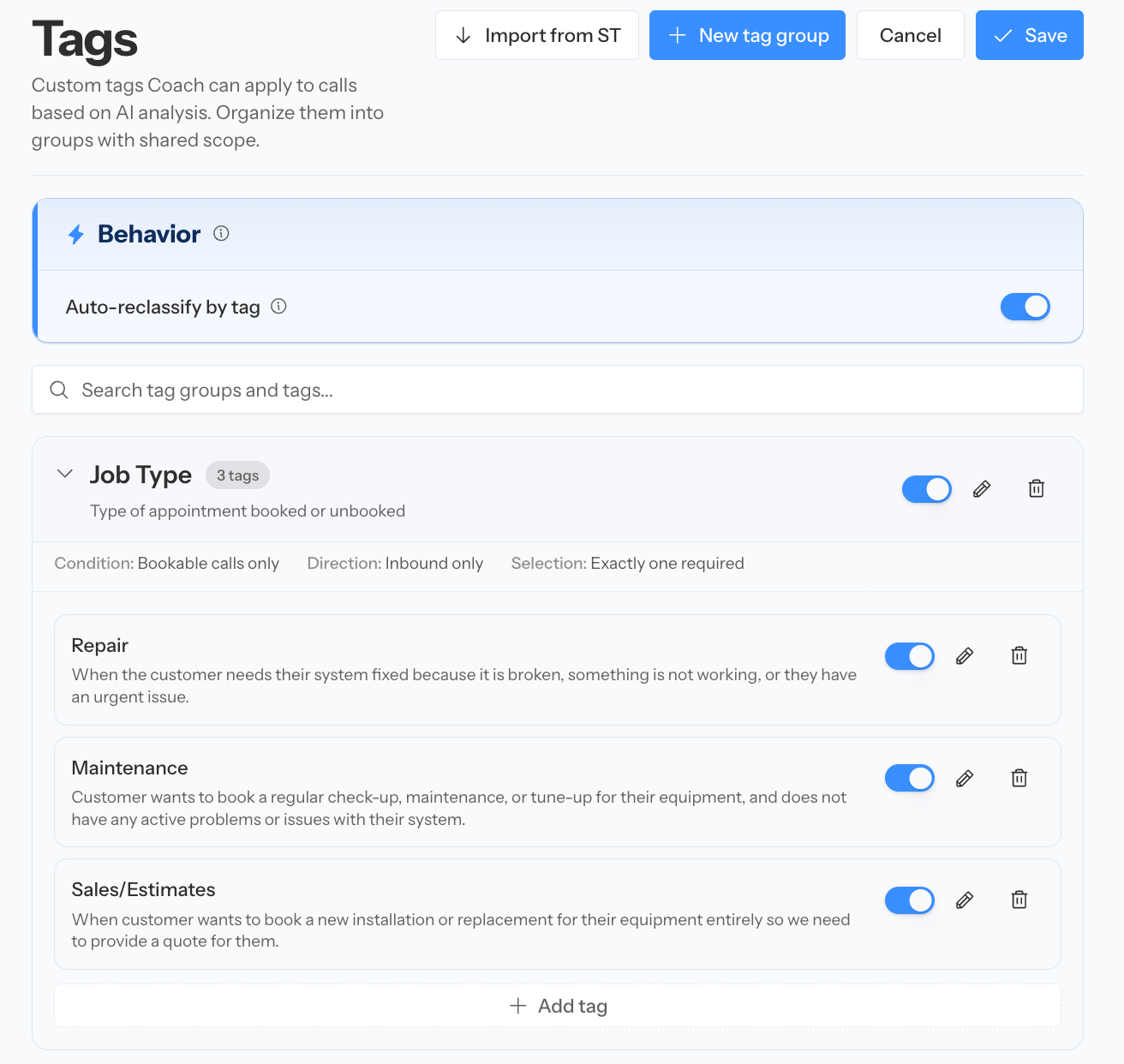
Tag groups define when tags apply, the allowed selection behavior, and ServiceTitan mappings.
Connect reclassification to Recovery
When Recovery is enabled, accurate classification determines which missed opportunities enter the work queue. Use the workflow:- Classify genuine leads accurately.
- Identify qualified unbooked calls.
- Send supported calls into Recovery.
- Contact the customer promptly.
- Record the outcome.

Accurately classified missed opportunities can flow into the Recovery workflow.
Confirm automatic results
Successfully processed calls show their updated review state and retain the classification history in Activity. Continue reviewing the low-confidence and disagreement cases even after automatic behavior is enabled.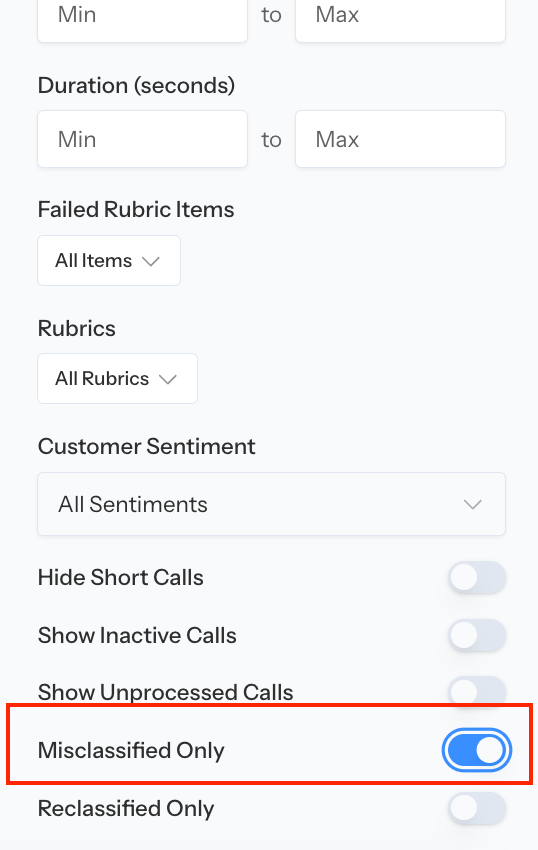
A reviewed call shows the applied classification state while preserving its audit trail.