

Coach Features:
Dashboard:
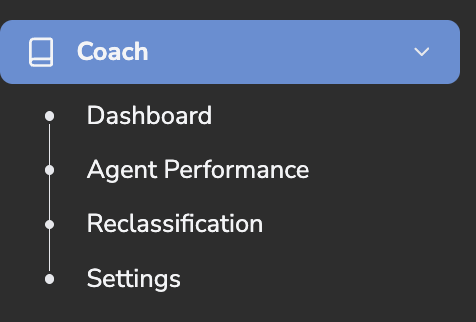
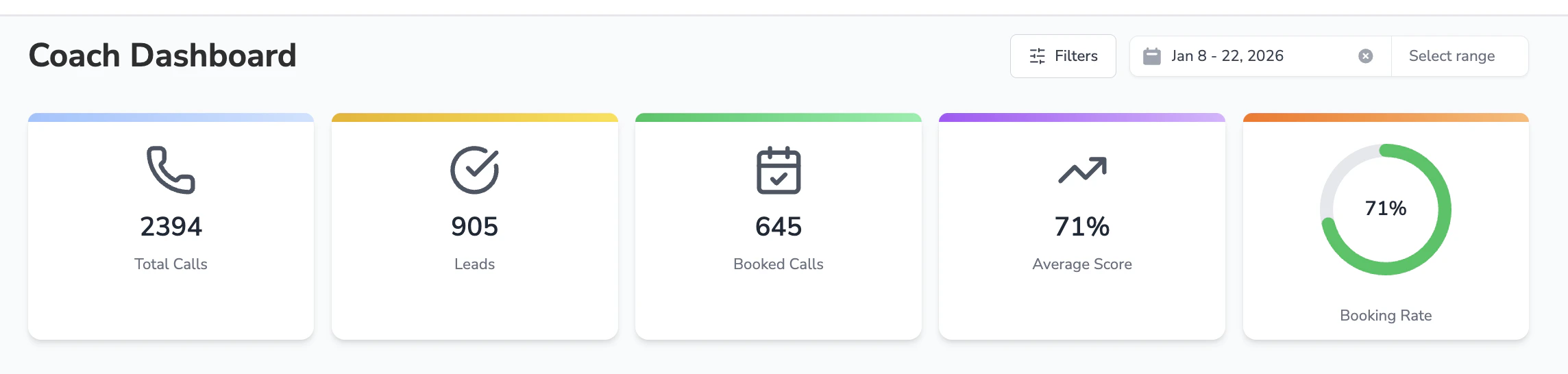
This page breaks into detail of your team metrics into three categories: Dashboard, Call Performance, Coach Calls- Based on the filters chosen located on the top dashboard the metrics will reflect this data

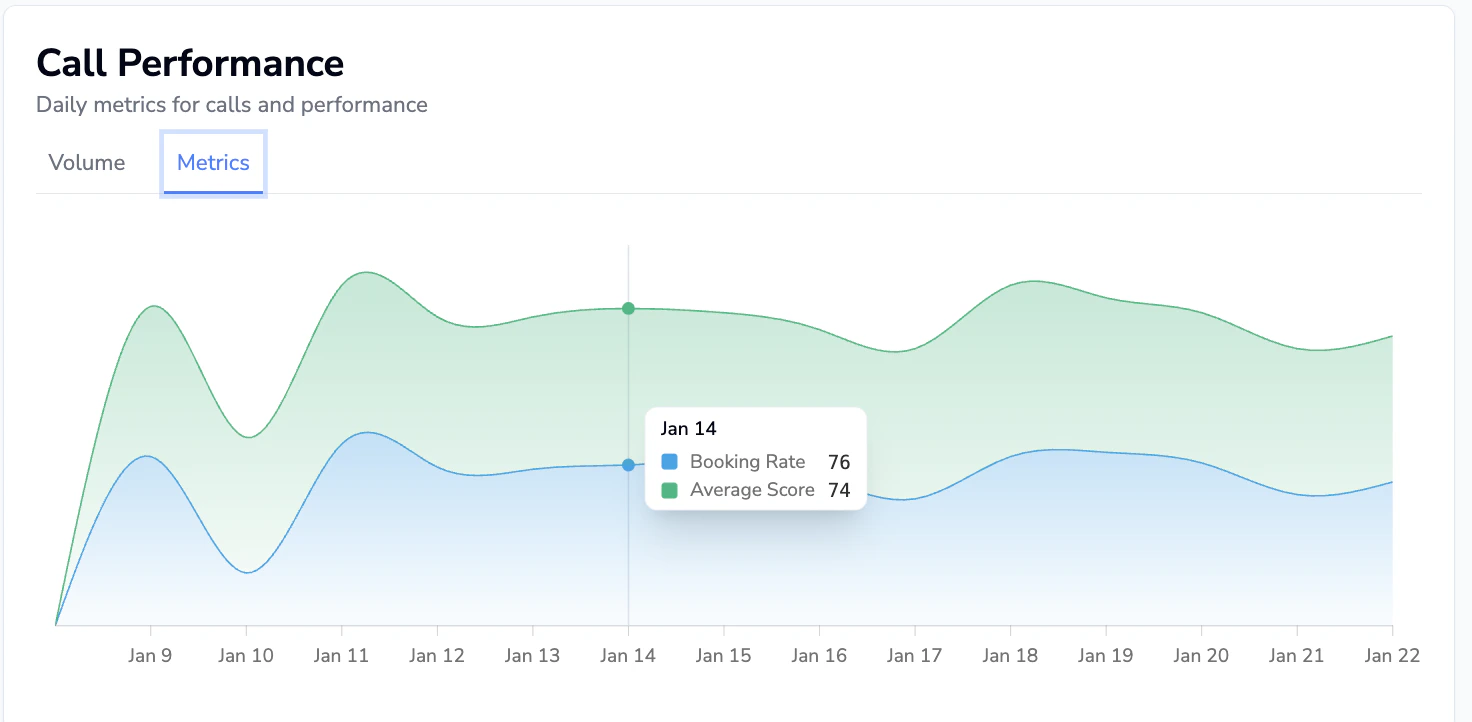
Call Performance
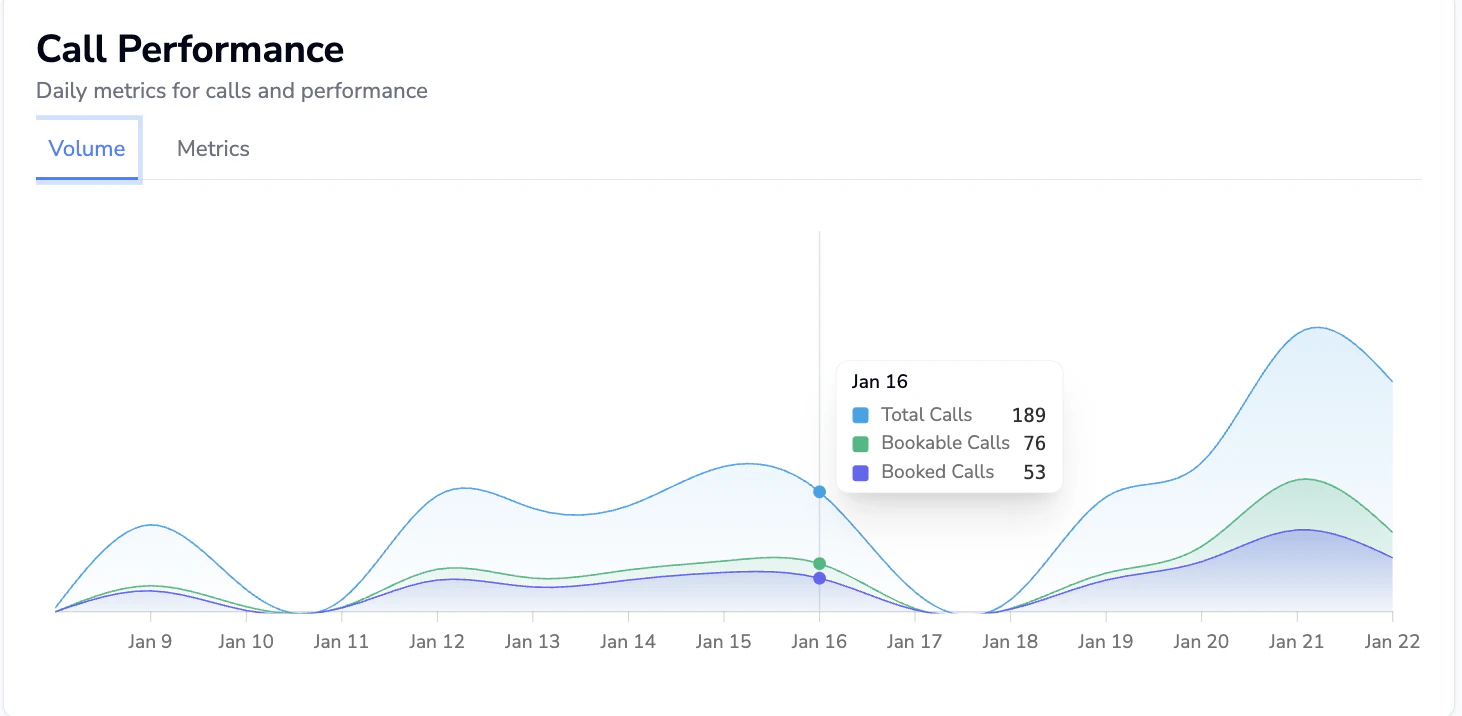
- Based on the date range and filter chosen this will provide a visual aid to review call data
- Hover your cursor over the graph to pull the granular data of the calls
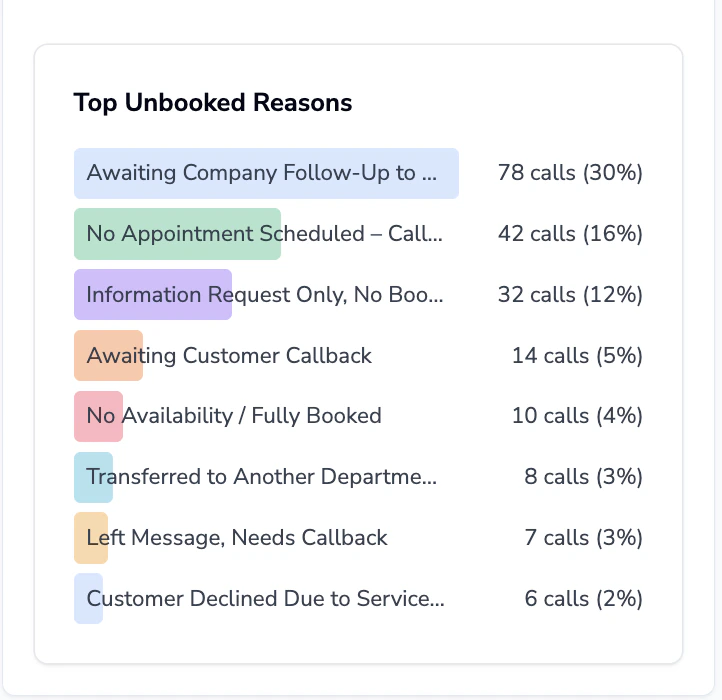
Top Unbooked Reasons
- Presents Avoca’s best-practice call reason list and establishes a grading rubric for assessing call quality
- Hover your cursor over the call reason to get an explanation
Coach Calls
- Gain insight into your team’s call performance and quality
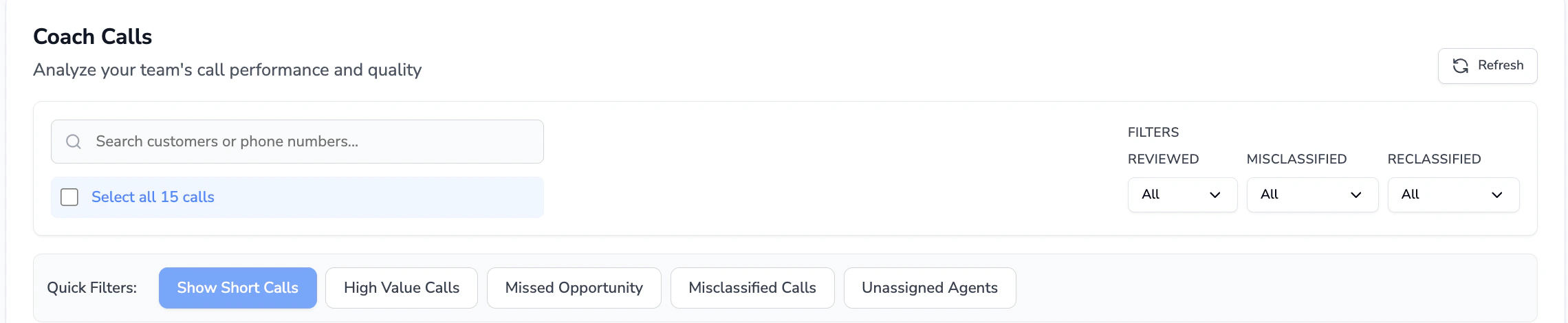
- Use quick filters to view silo team results
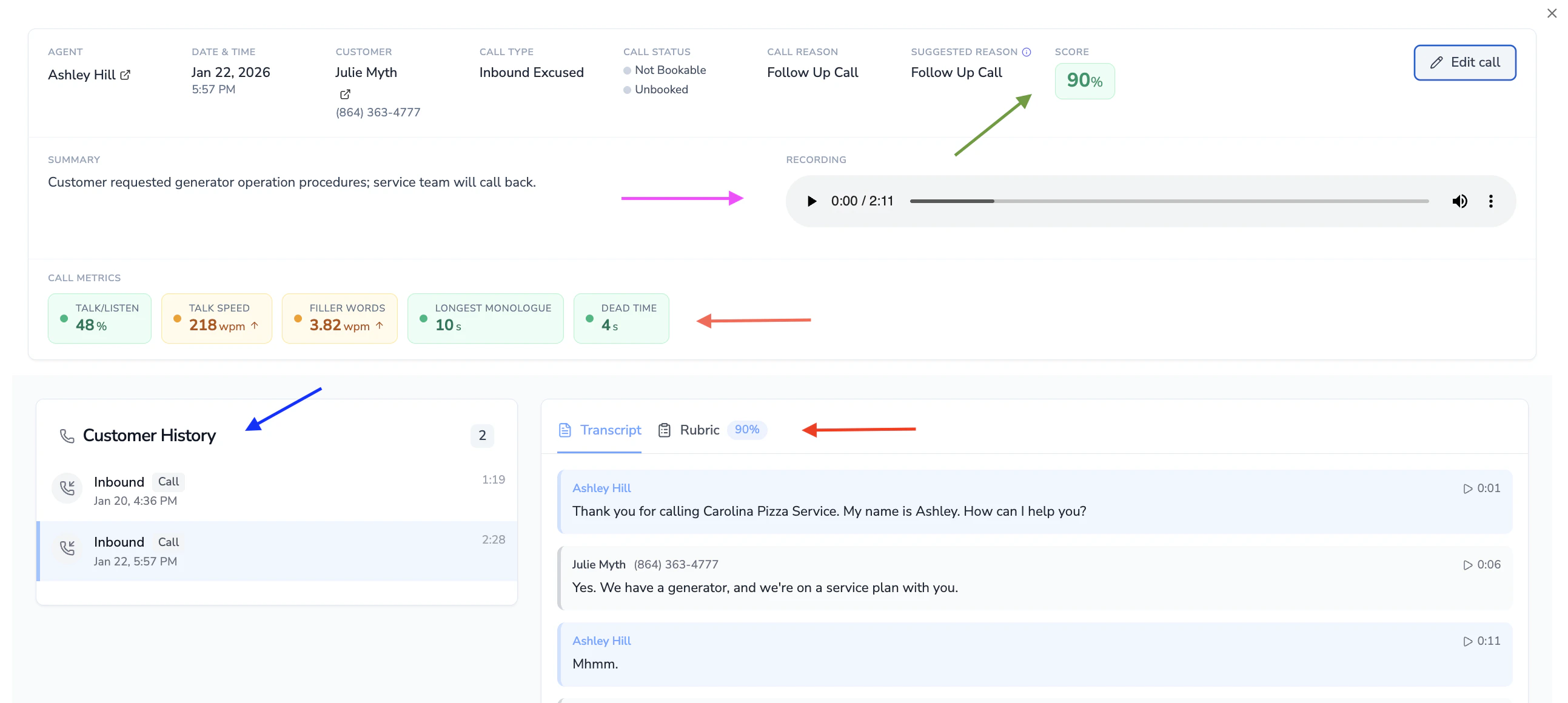
- To view more details click into the call to view the grading based on your rubric. You can also view the transcript recording and rubric grading
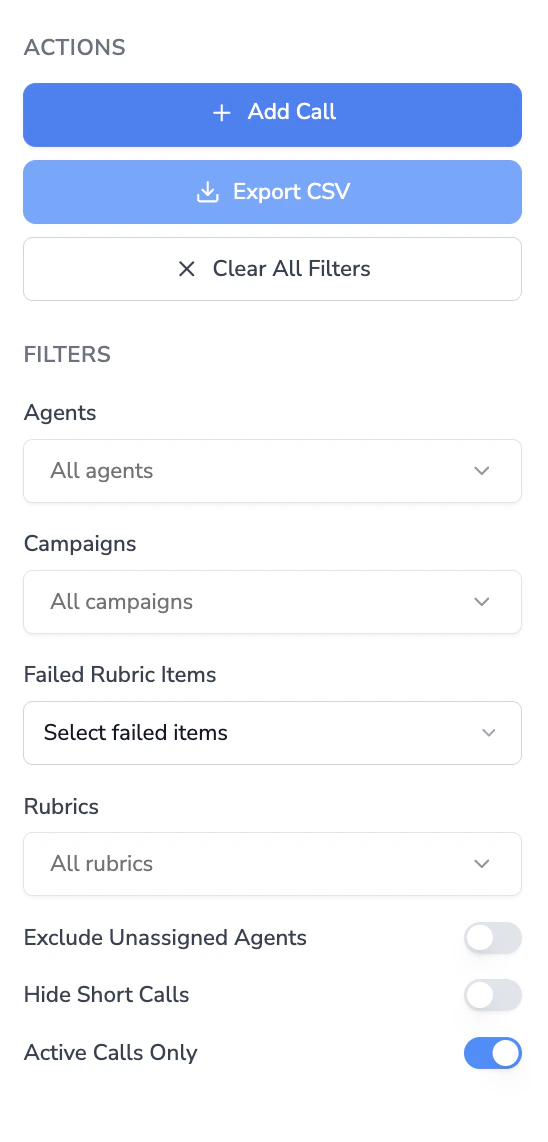
Filtering calls
The Coach dashboard includes a filter sidebar with the following options:| Filter | Description |
|---|---|
| Date range | Select a custom date range for the calls displayed. |
| Agents | Filter by one or more CSR agents. |
| Agent groups | Filter by agent group if your team has groups configured. |
| Tags | Filter by Coach tags applied to calls. |
| Rubrics | Filter by a specific rubric to see only calls evaluated against it. |
| Failed rubric items | Filter to calls that failed specific rubric checklist items. |
| Call reasons | Filter by Avoca-suggested call reason or ServiceTitan call reason. |
| Campaigns | Filter by the marketing campaign associated with the call. |
| Call types | Filter by inbound, outbound, or other call types. |
| Score range | Set a minimum and/or maximum score percentage to narrow results. |
| Duration range | Set a minimum and/or maximum call duration in seconds. |
| Quick toggles | Toggle filters for misclassified calls, reclassified calls, and reviewed/unreviewed calls. |
| Business hours | Toggle to show only calls during configured business hours. |
| Customer sentiment | Filter by detected customer sentiment. |
Exporting call data
You can export Coach call data as a CSV file for offline analysis.Set a date range (optional)
By default, the export uses the date range selected in the dashboard filters. Click Change date range to override the range with custom start and end dates.
Start the export
Click Start Export. The export is generated in the background — you will receive an email when it is ready to download.