Overview
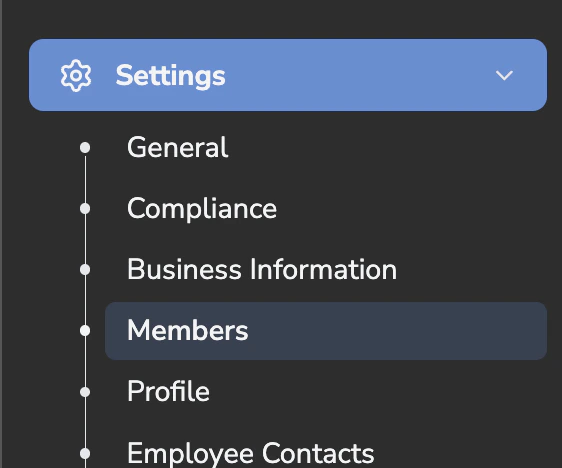
Coach allows you to give managers and Customer Service Representatives (CSRs) visibility into call performance. Managers can review team performance and trends, while CSRs can self-review their own calls for coaching and improvement. Access is controlled through role-based permissions, ensuring each user only sees what is relevant to them.Step 1: Navigate to Members
Inviting Managers
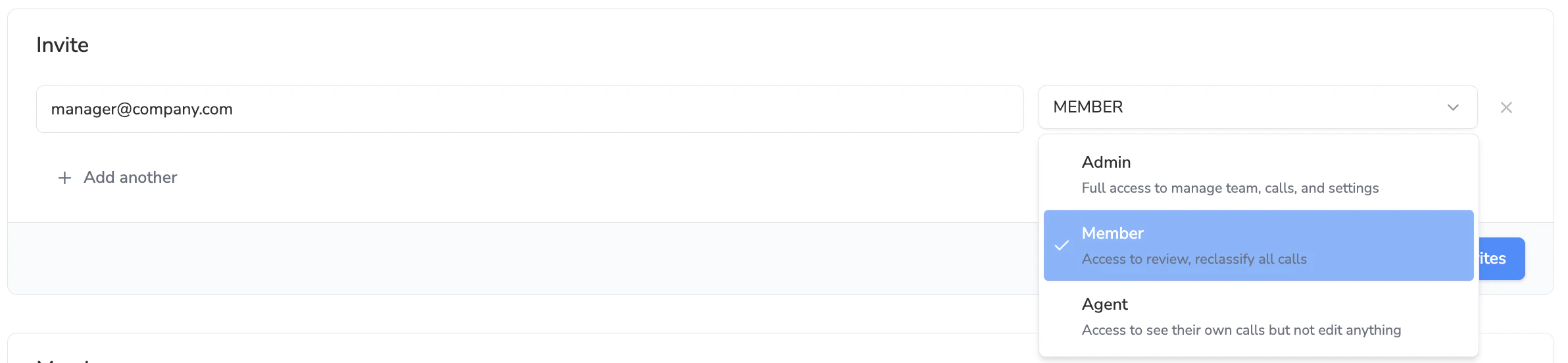
Managers typically need visibility into team-level performance and coaching insights.How to Invite a Manager
Select the appropriate access level:
- Admin or Member, depending on the level of visibility and control you want to provide
- See Settings: Adding Members to the Avoca Dashboard
Inviting CSRs (Agents)
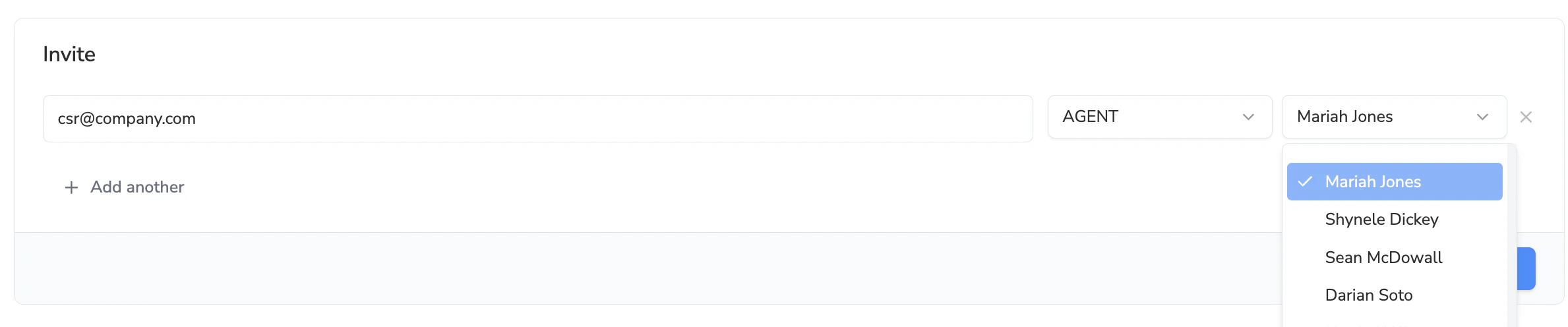
CSRs should be invited with Agent access. This role is designed for individual contributors who need visibility into their own calls only.How to Invite a CSR
Select Agent as the access levelUsers invited as Agents have the following permissions:
- View only their own assigned calls
- Listen to their own call recordings
- Cannot view other team members’ calls
- Cannot edit, reclassify, or modify any data
- Cannot access team or account-level settings