

Step-by-Step Instructions
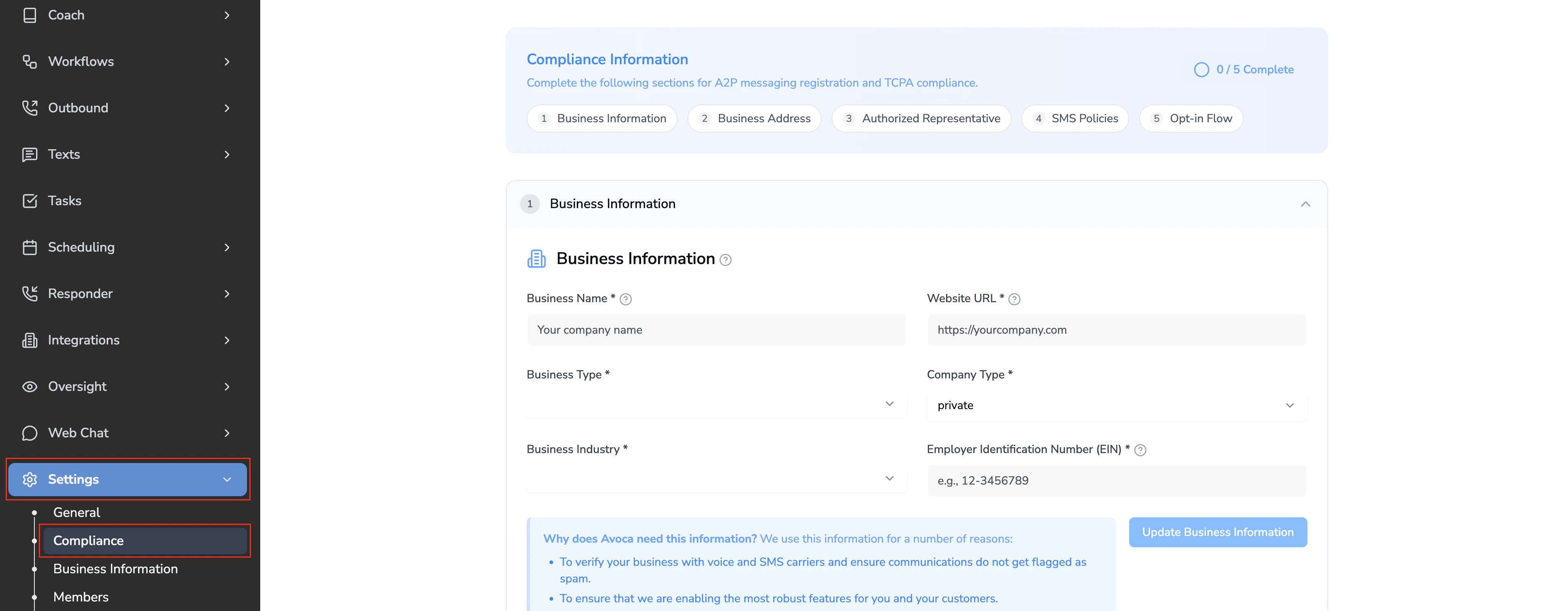
Fill out the Business Information section. The information submitted should match the latest official legal/financial documents of the company.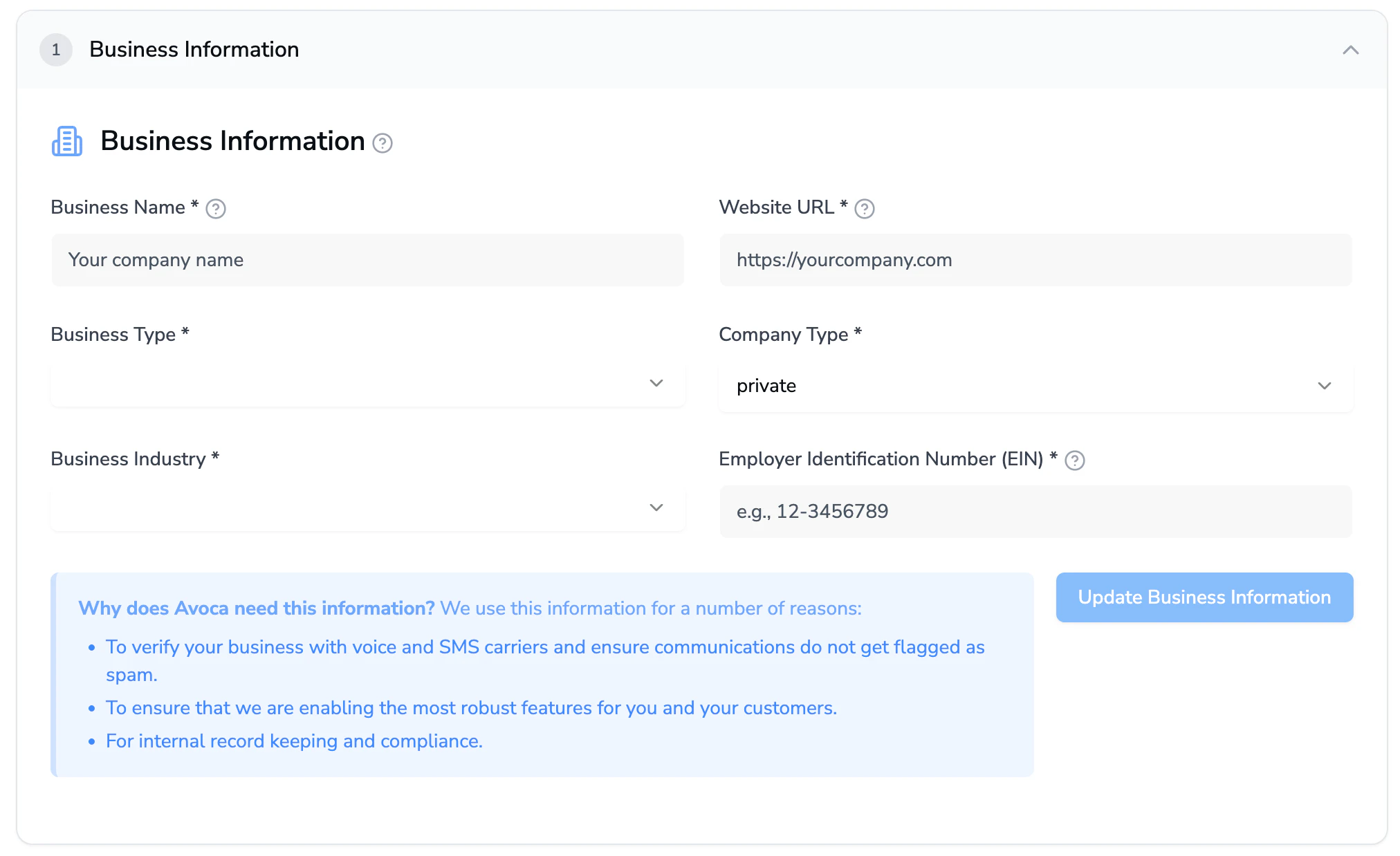
Fill out the Business Address section. The information submitted should match the latest official legal/financial documents of the company.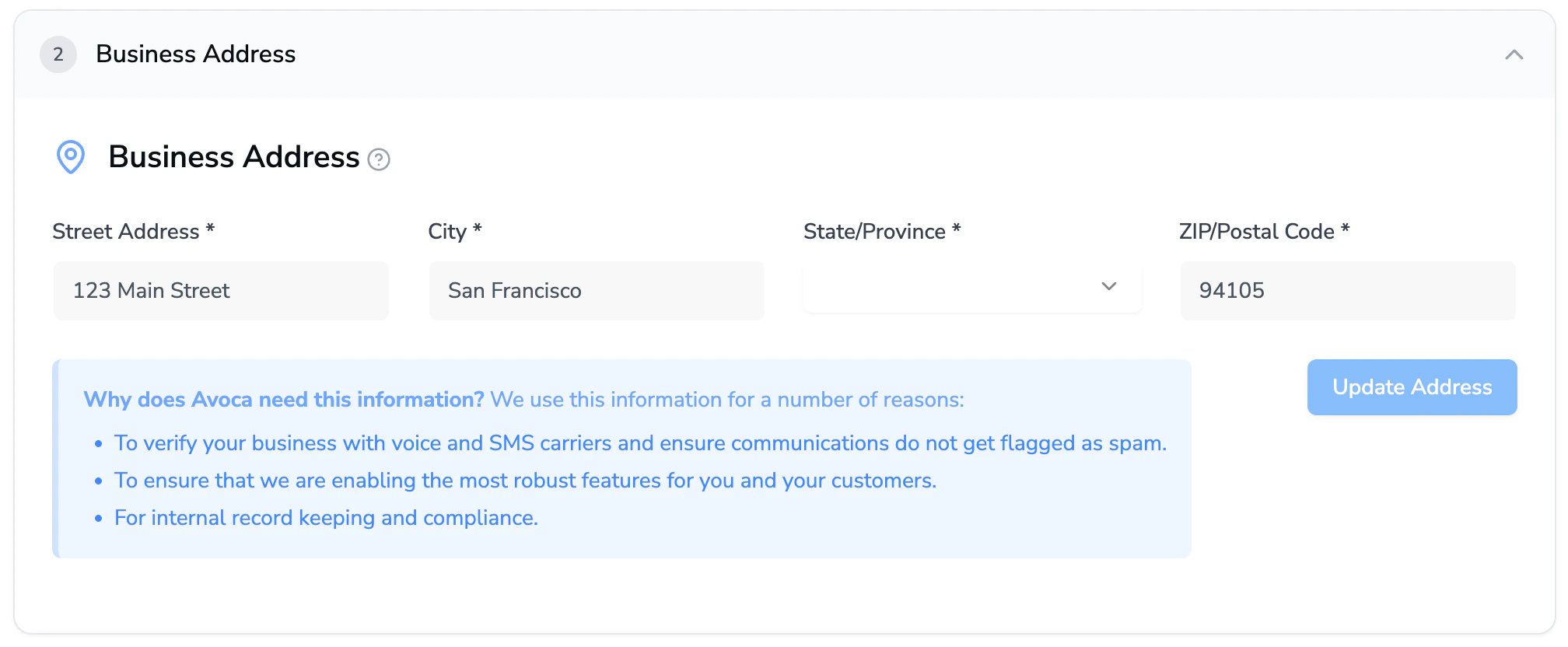
Fill out the Authorized Representative section. The person identified as the authorized representative should be reachable by the phone number and email address provided.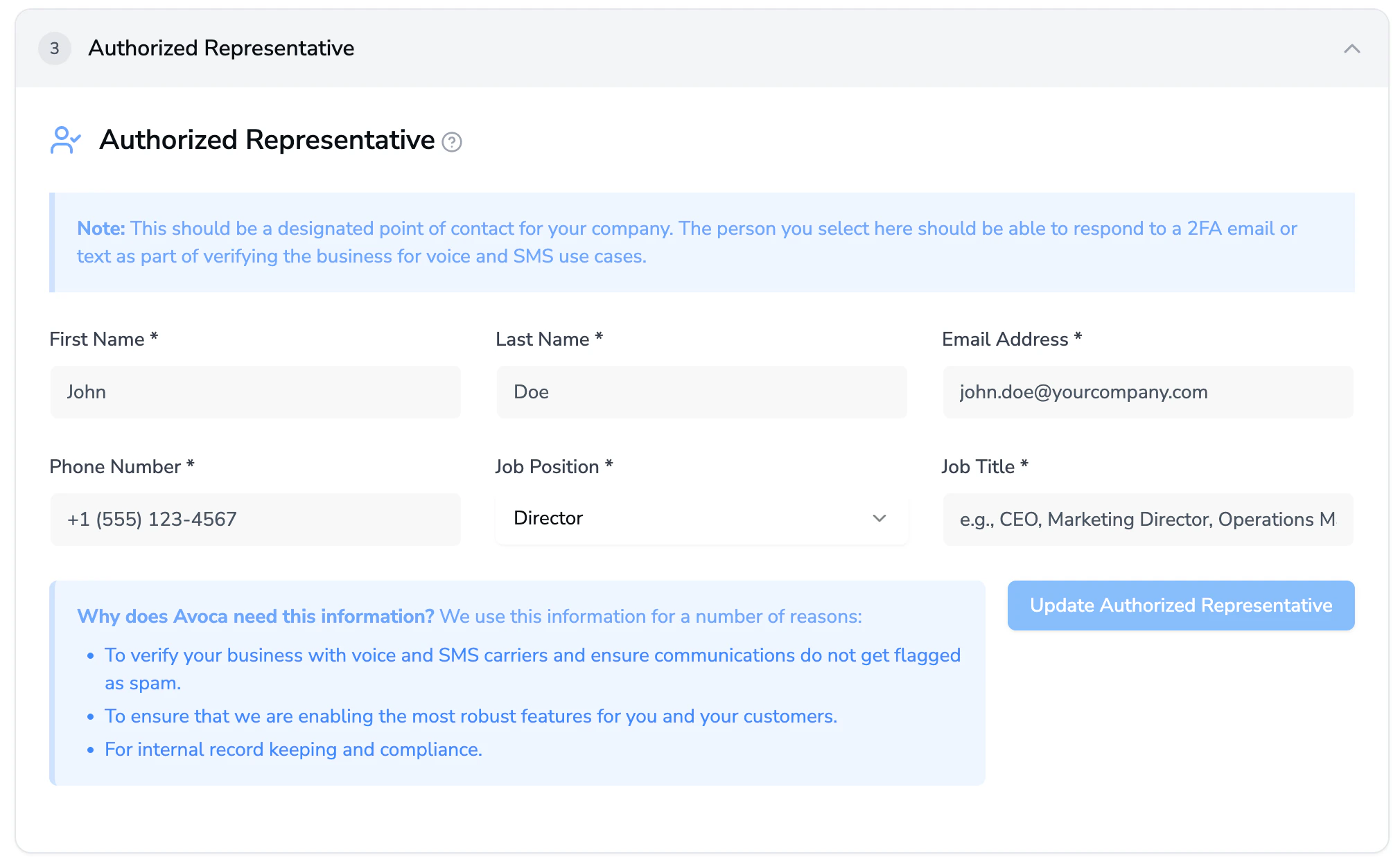
In the Policy URL section, copy and paste the terms & conditions and privacy policy URL’s into the fields. If you are missing either, you can submit the same URL’s for both. Then, click Verify & Save to see if all the criteria are met.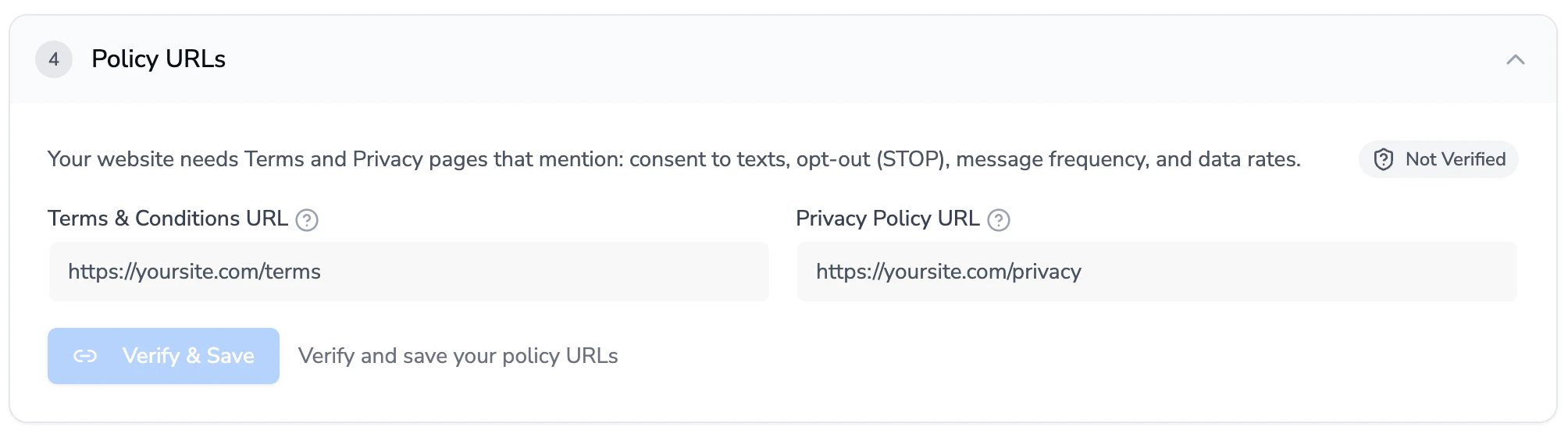
In the Opt-in Screenshots section, take screenshots of your online scheduler, webchat, web form, or any pages that collect opt-in consent. The page you screenshot should include the consent language and unchecked opt-in checkbox.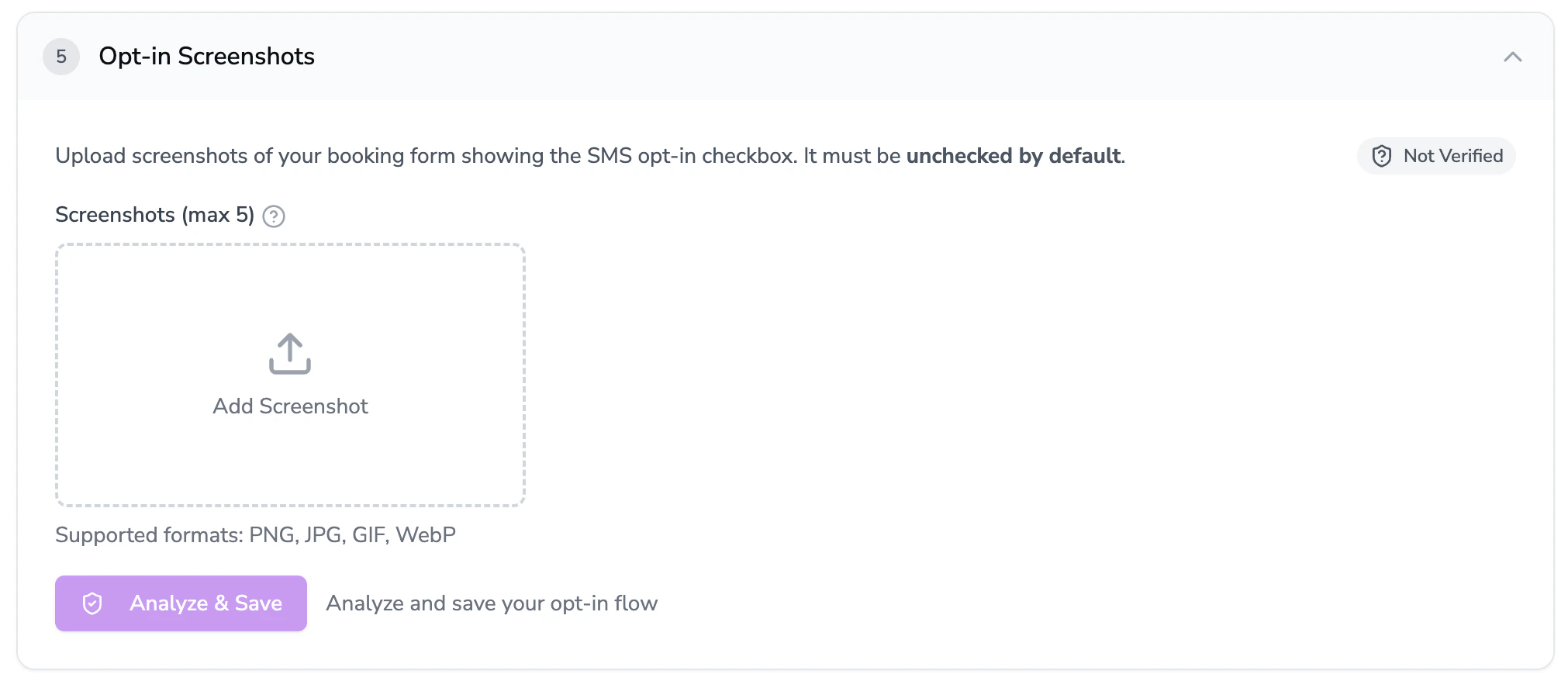
What to do if any criteria is red
What to do if any criteria is red
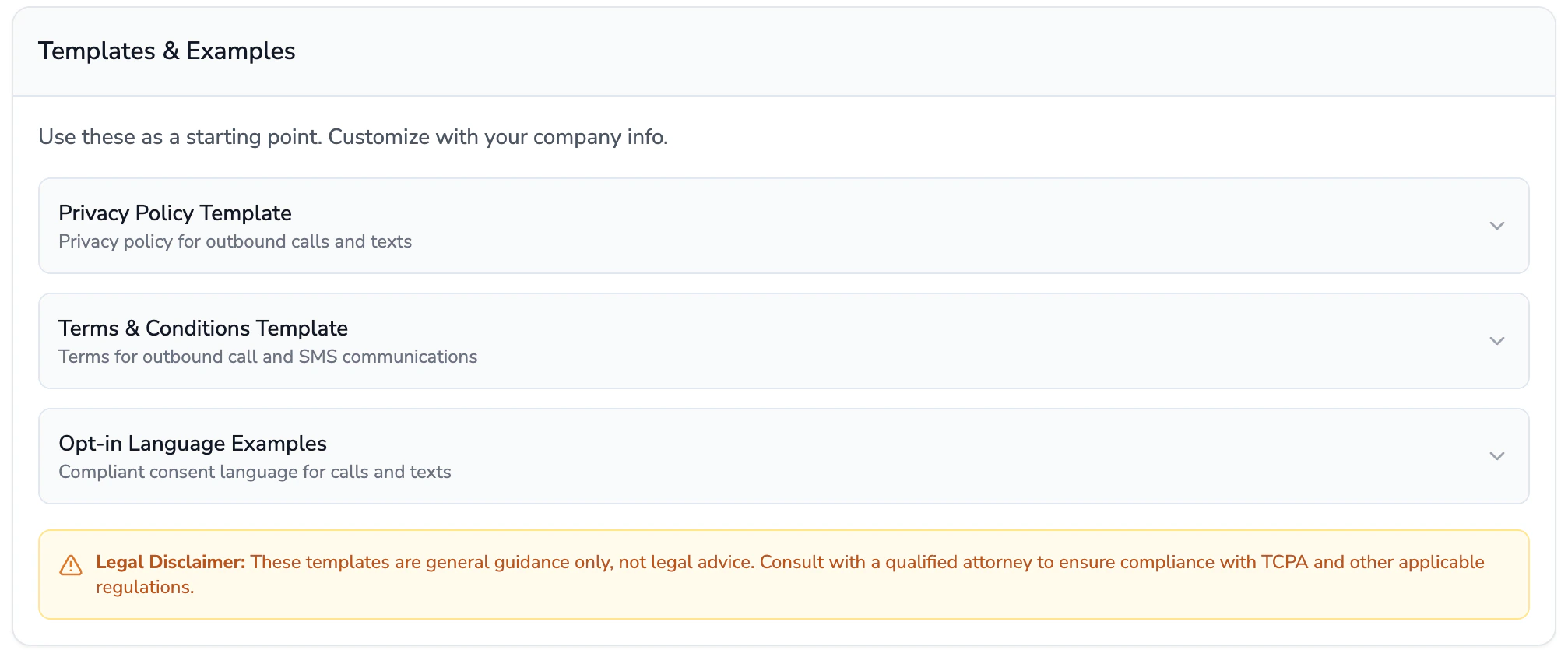
Note:This is general guidance, so completing these items do not guarantee that your A2P campaign submission will be approved. Ultimately, A2P campaign submission approval relies on a compliant website and policy pages.