> ## Documentation Index
> Fetch the complete documentation index at: https://help.avoca.ai/llms.txt
> Use this file to discover all available pages before exploring further.
# Be prepared for your first bot testing call
### Before the testing call (setup checklist)
* [ ] Confirm everything is completed in **Settings** → **Business information** tab (ensure this is completed)
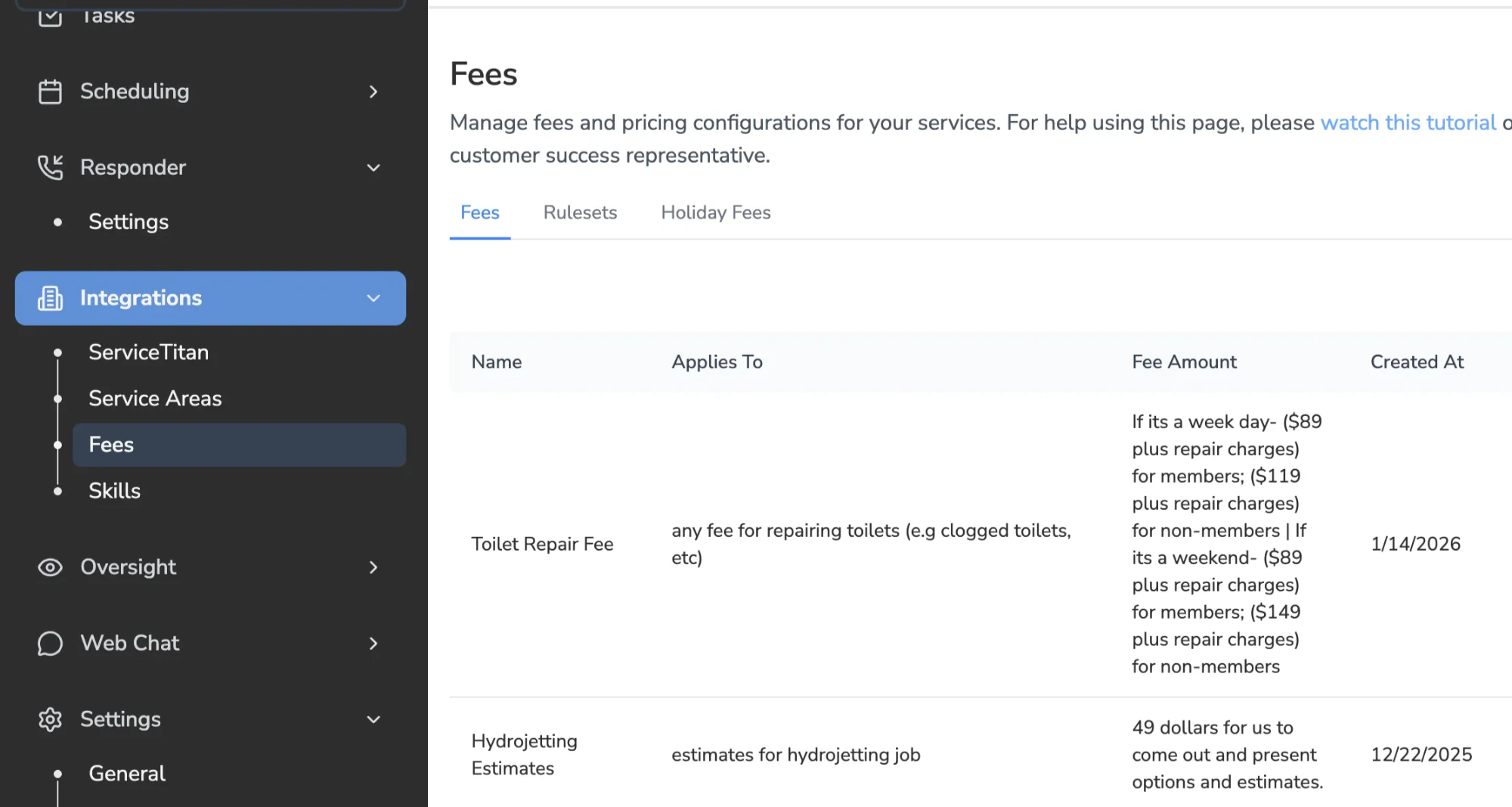
* [ ] Fees are configured correctly
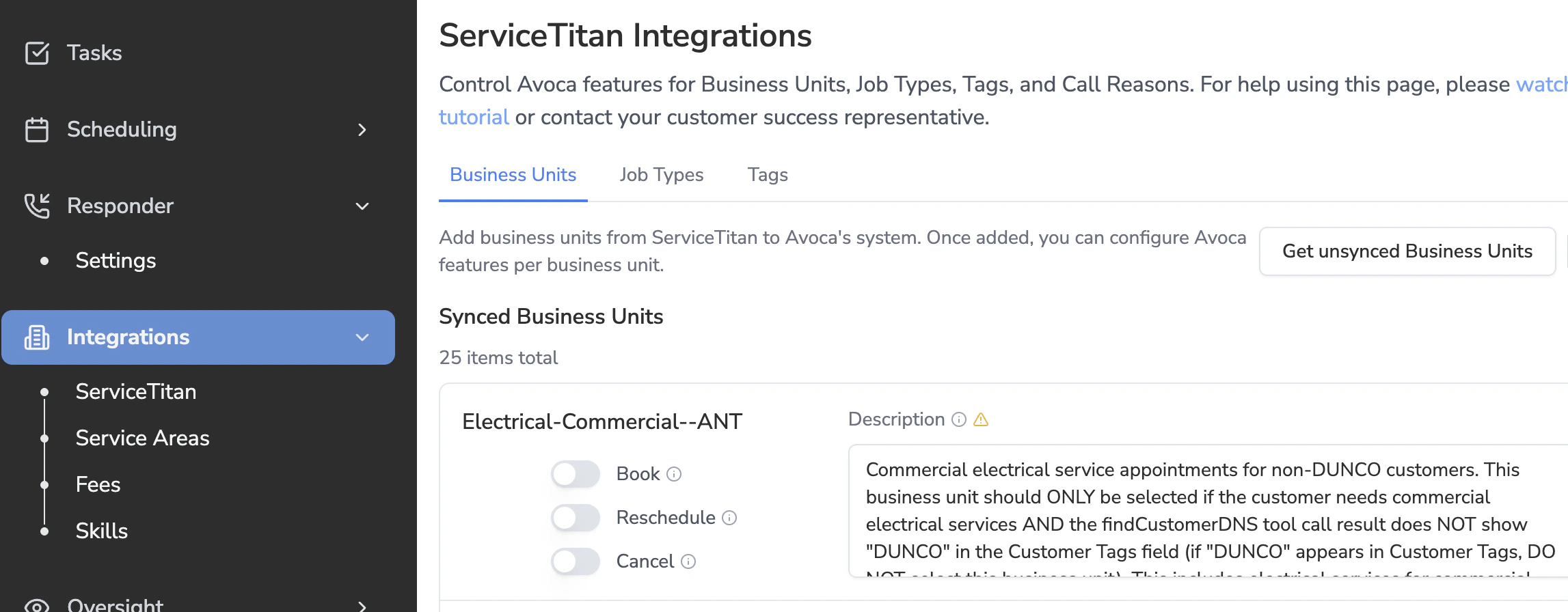
 * [ ] Business Units (BUs) are set up
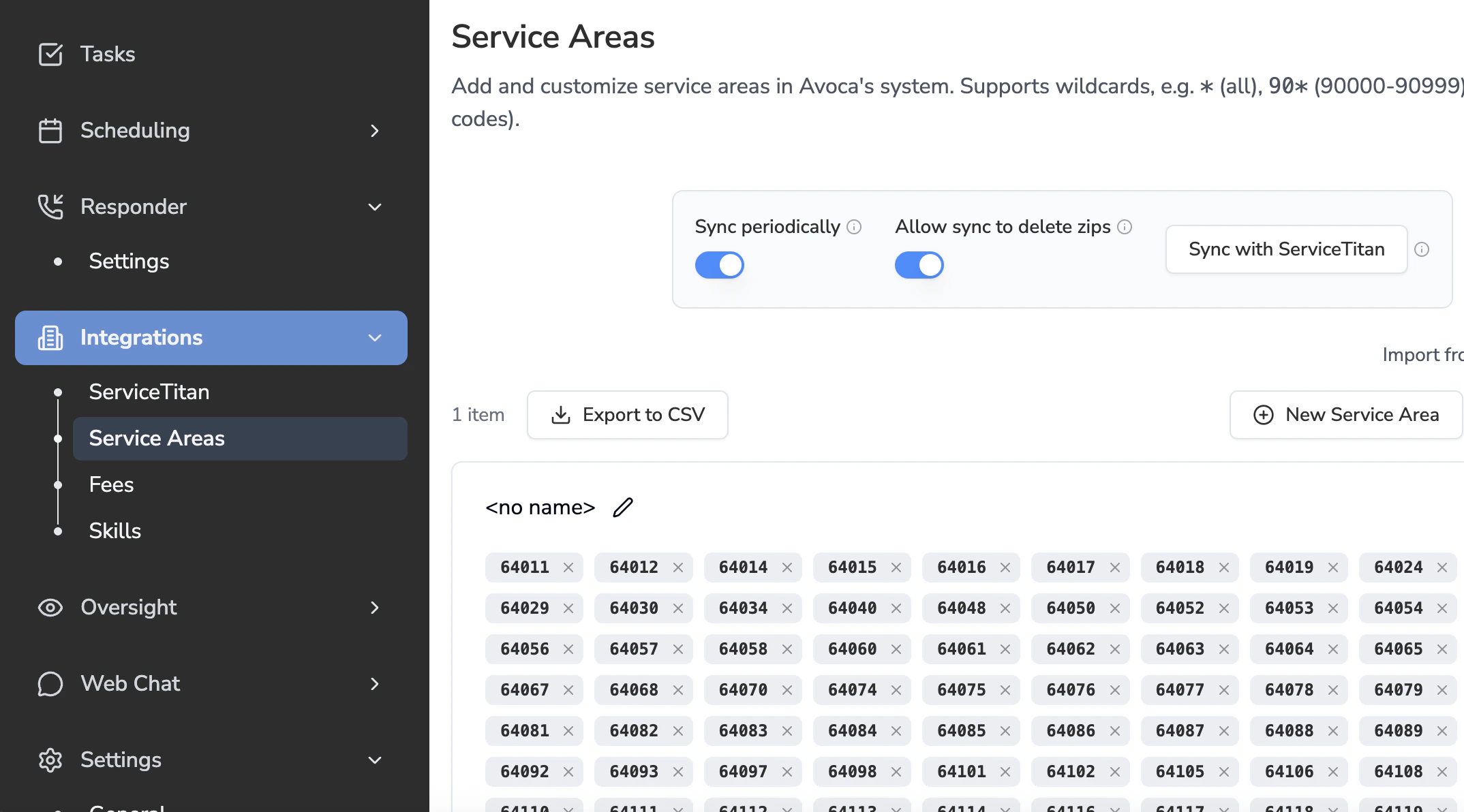
 * [ ] Zip codes are synced from ServiceTitan
* [ ] Confirm **all** zip codes appear in the dashboard
* [ ] Zip codes are synced from ServiceTitan
* [ ] Confirm **all** zip codes appear in the dashboard
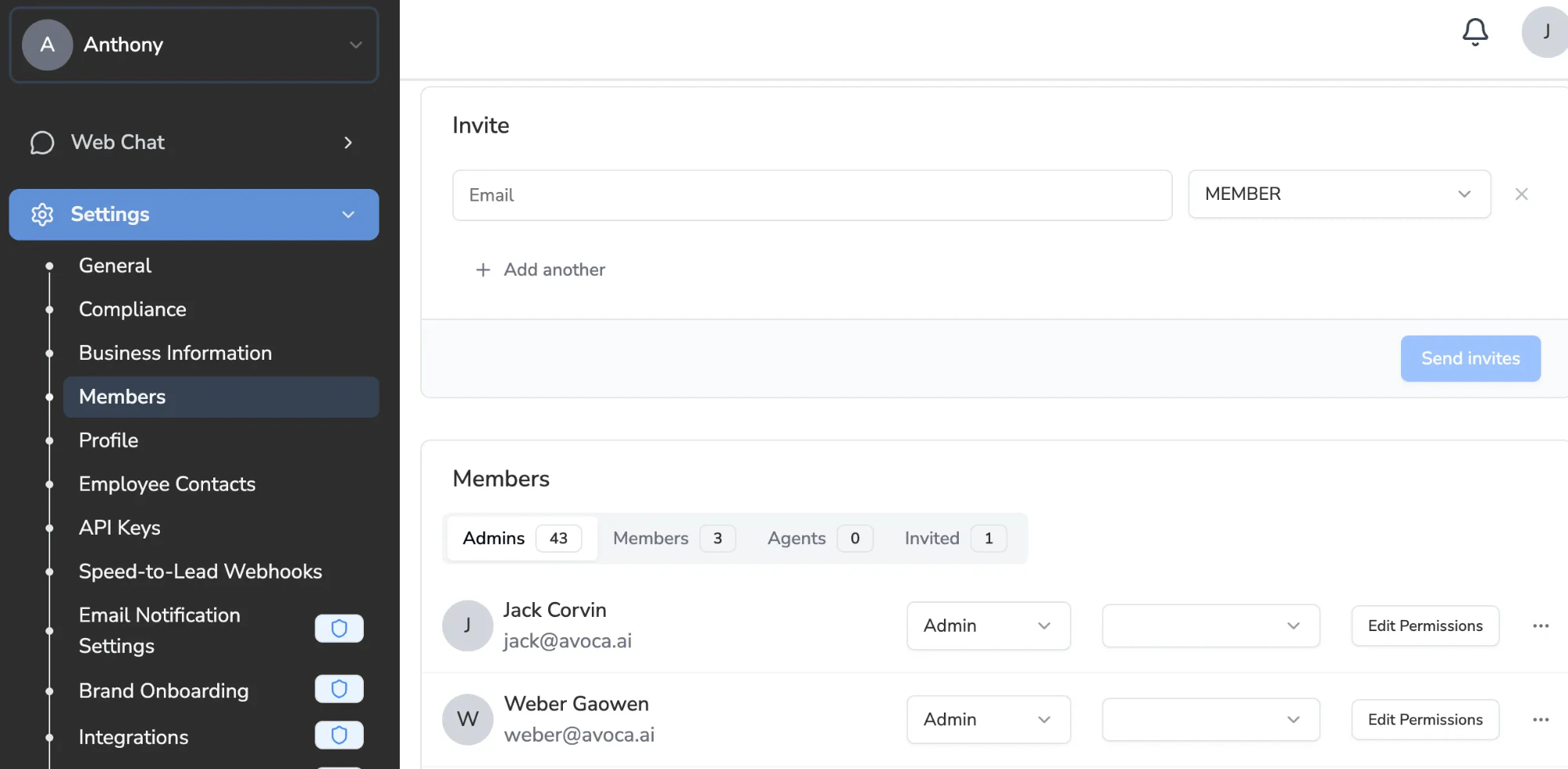
 * [ ] Make sure you and your team have dashboard access as **Admin** or **Member**
 ### During the testing call (agenda)
* Go through another walkthrough of the dashboard
* Learn about the testing phase (completing 30–40 test calls across different team members)
### During the testing call (agenda)
* Go through another walkthrough of the dashboard
* Learn about the testing phase (completing 30–40 test calls across different team members)